Strand 200 Console Manual Page 19
Scene Pg: 1 Fx Pg: 2
Preset A: FL B: 00
Scene FX Setup
Submaster Pages
There are two submaster pages on the 200 console.
They are also referred to as scenes on the LCD
screen. The submaster page can be identified by
the scene page number on the LCD screen.
Changing Submaster Pages
Changing submaster pages is as simple as pressing the submaster page button. The LCD
will always identify the current submaster page.
Note: When switching between submaster pages, any active submaster will be indicated by its
flashing LED indicator.
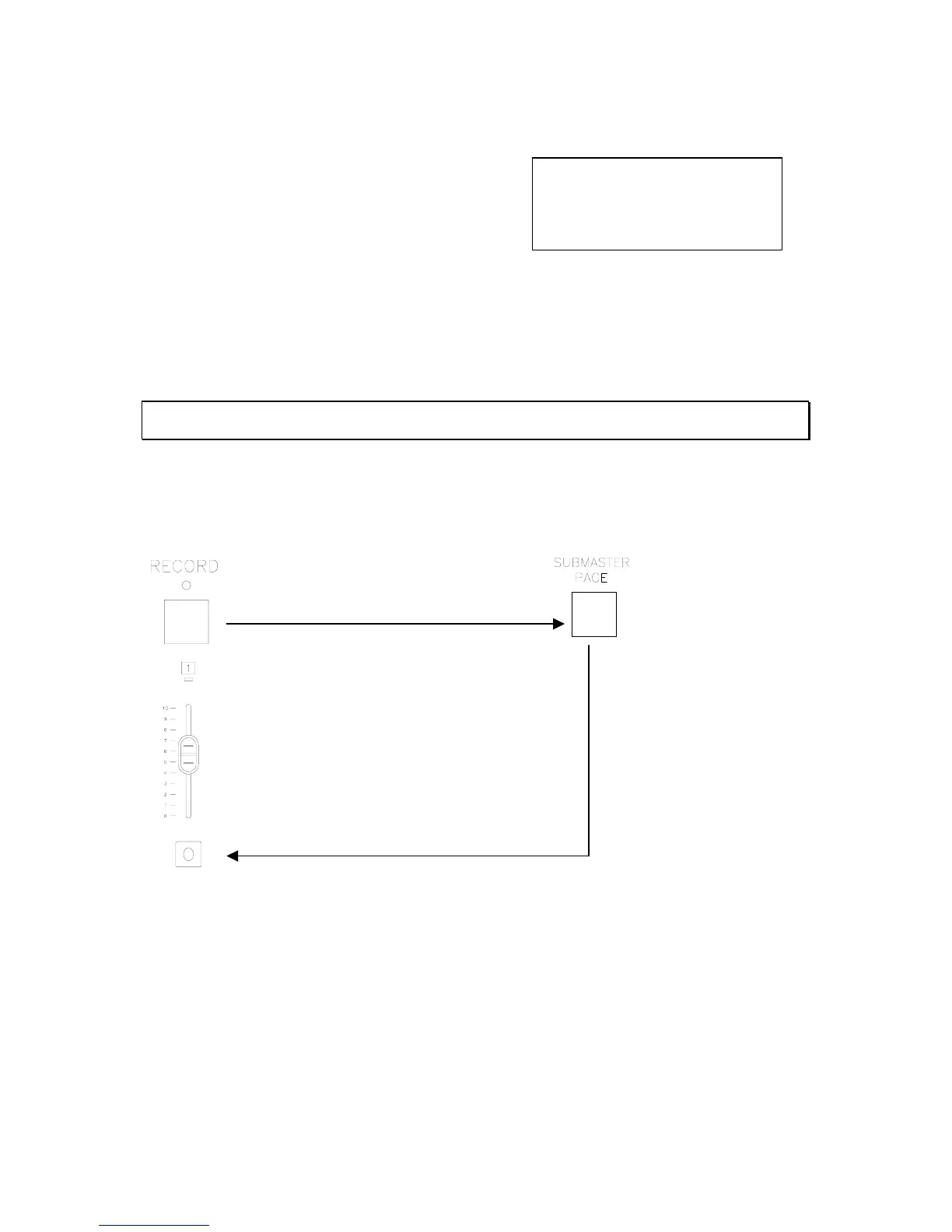
Recording Submasters on Page 2
Press the record button. The LED indicator will start flashing.
Press and hold the flash button to the
appropriate fader until it’s LED starts flashing.
Press the submaster page button.



 To Next Page