Strand 200 Console Manual Page 29
Scene Pg: 1 Fx Pg: 2
Preset A: FL B: 00
Scene FX Setup
1. Edit Scene
2. Delete Scene
3. Xfade Start Scene
Esc Confirm
Page:01 Scene:01
Ch:01 02 03 04 05 06
LL:FL 00 00 00 00 00
Esc (+/-) Confirm
Scene Options
From the main LCD screen, press F1 for Scene.
Note: Scene and Submaster are interchangeable terms for this manual.
Edit a Scene
Notice the cursor flashing over the 1 for edit scene.
Press F3 for Confirm.
(The LCD screen will show the corresponding submaster
information).
The channel that is selected will flash. Change
channels using the left and right arrow keys. Change
levels using either the +/ – keys or the numeric keypad.
Note: When Num Lock is on, the effect tile can be used as a numeric keypad for entry.
Press Esc to disregard changes or Confirm to accept.
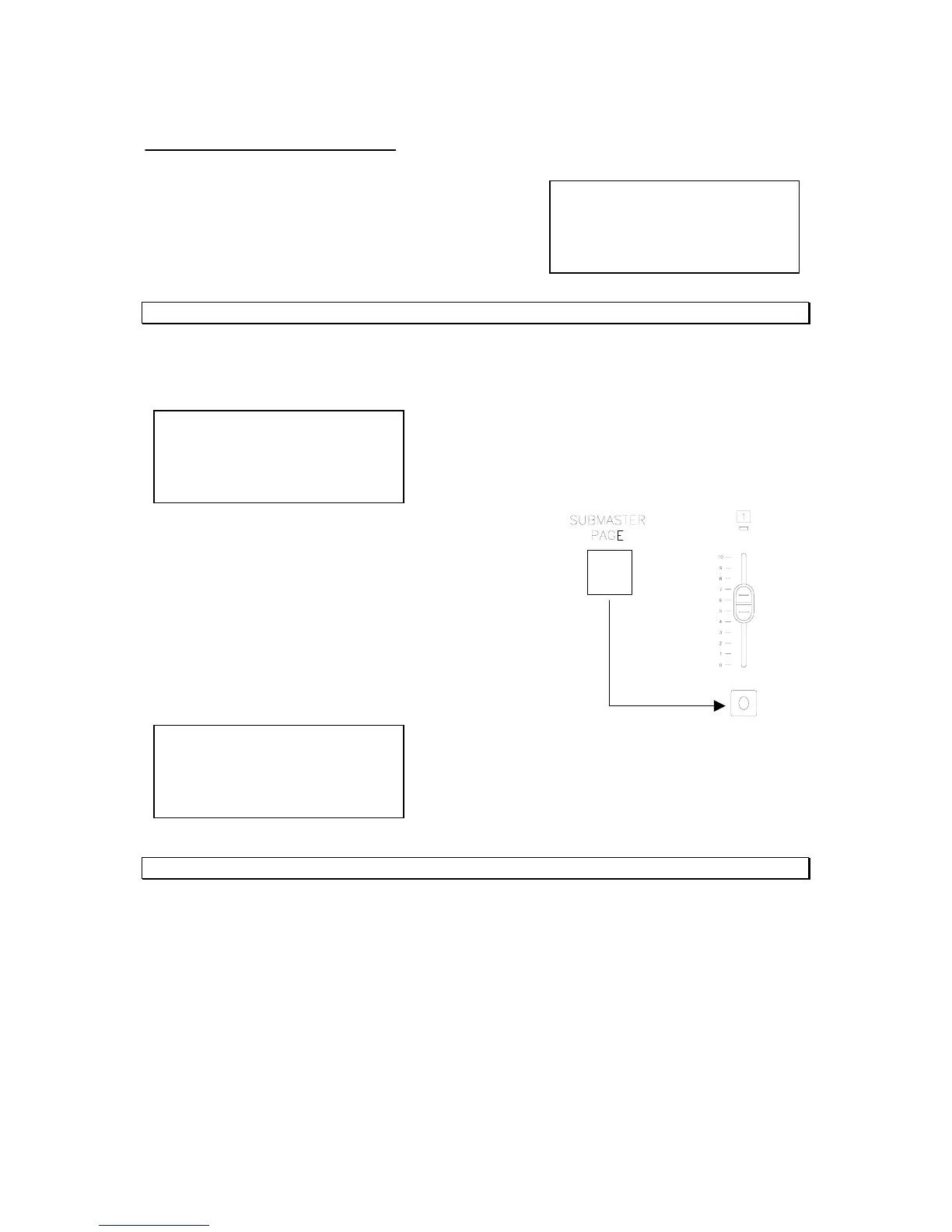
Press the submaster page button as needed to access
the correct page, then press the flash button for the
correct submaster that needs to be edited.



 To Next Page