Site Preparation Guide Preparing for Installation
Page 14
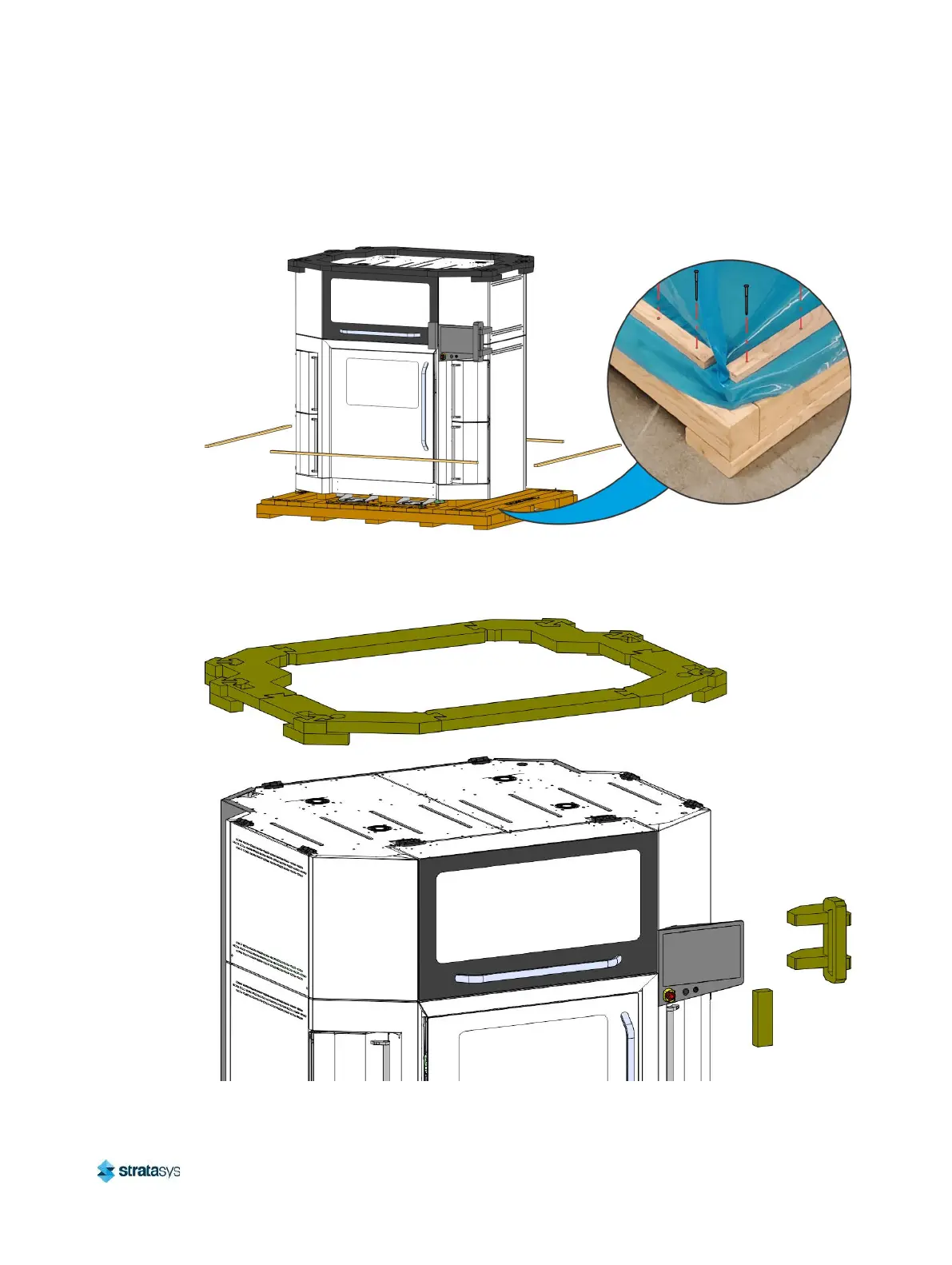
3. Remove the screws (20) and retention boards (4) securing the protective printer bag to the
shipping base. Carefully remove the bag and from the printer.
Figure 12: Removing the protective printer bag
4. Remove all protective foam pieces from the top of the printer and the touchscreen display.
Figure 13: Removing protective foam













 To Next Page