14 STRATASYS / MATERIALS OVERVIEW
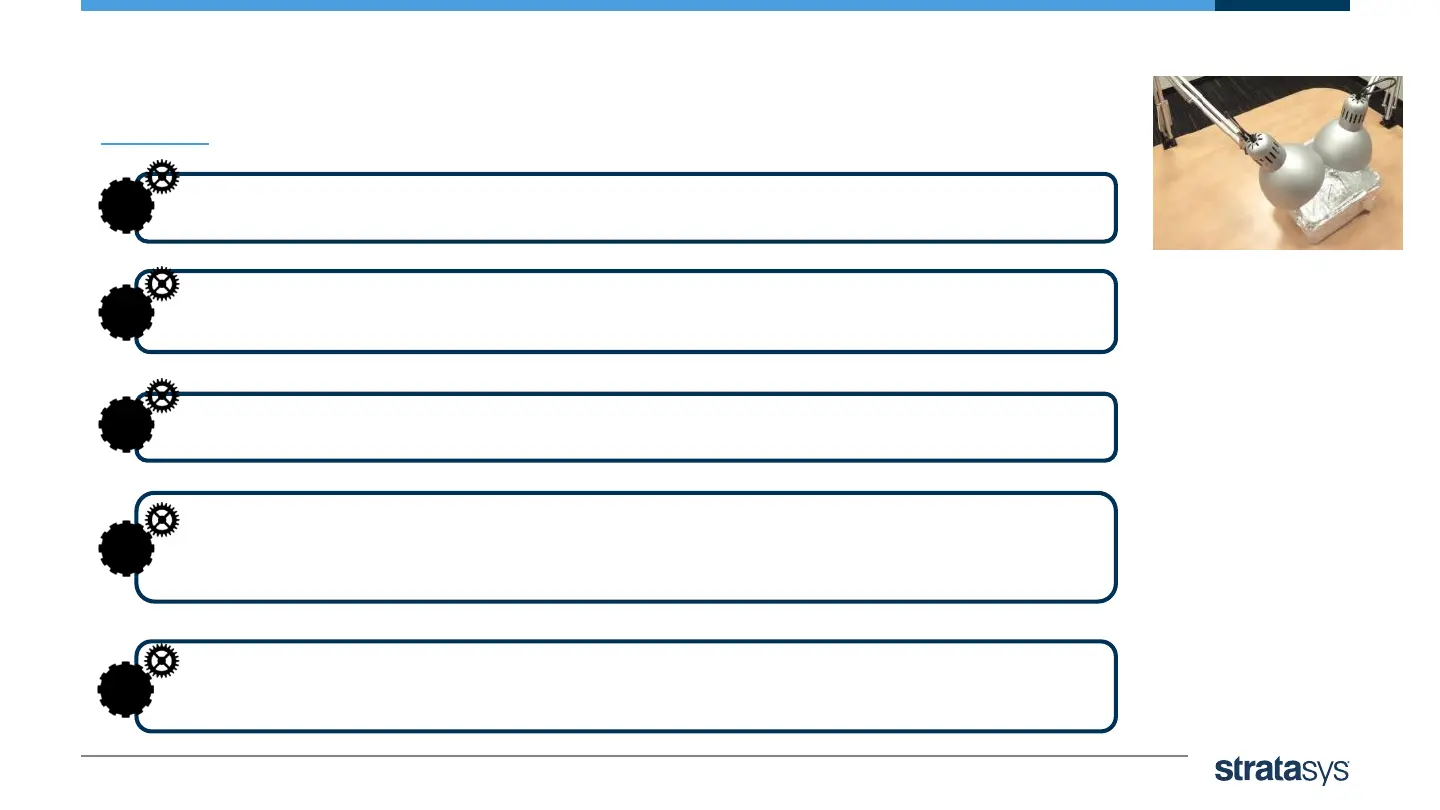
Photobleaching with Table Lamps
Cover the inside of a container with aluminum foil.
1
Arrange the printed models in the container with enough distance
between them to allow light to reach all sides of each model.
2
Prepare two table lamps with 45W, 6500K fluorescent lamps.
3
Position the lamps on the table, approximately 10 cm (4”)
above the models. This distance prevents the lamps from warming
the models above 40ºC (104ºF)
4
After 6 hours, inspect the models. If the results are still not satisfactory,
leave the models in the chamber for up to 18 hours more.
5













 To Next Page