15 STRATASYS / MATERIALS OVERVIEW
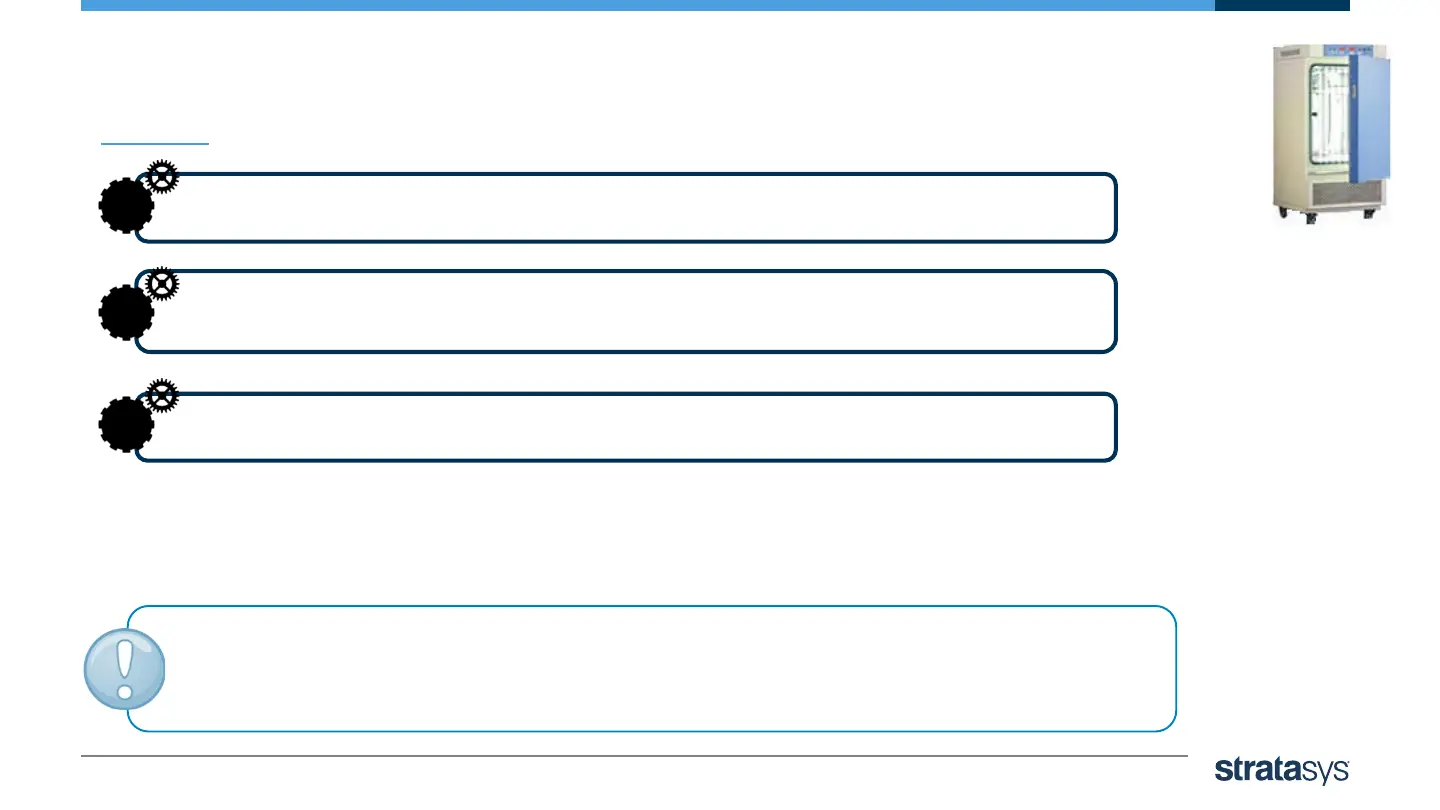
Photobleaching with Illumination Chamber
Arrange the printed models in the chamber with enough distance
between them to allow light to reach all sides of each model.
1
Turn on the lights in the chamber, and leave the models for
at least 6 hours.
2
After 6 hours, inspect the models. If the results are still not satisfactory,
leave the models in the chamber for up to 18 hours more.
3
Caution: Verify that the model temperature does not exceed 40ºC (104ºF).
Higher temperatures may cause model distortion, whereas less than 40ºC
(104ºF) may not produce satisfactory results.













 To Next Page