The following installation tools are also required for the installation of DMS camera if
required:
DMS Camera Installation Tools
1.Adjust and fix the DMS camera
lens at certain angle
(generally included in the DMS
camera packaging)
2. Tighten the lens screws; for ADAS
calibration
3.5mm*25mm self-
tapping screw
Fix camera; standard
(generally included in the DMS
camera packaging)
3.3 Preparation of SIM Card and Micro SD Memory Card
To ensure normal online communication and data storage of the equipment, please
prepare a supporting Micro SIM card and a Micro SD memory card that meets the
quality requirements before installation.
4. Installation of AD Plus
4.1 Installation of SIM Card and Memory Card
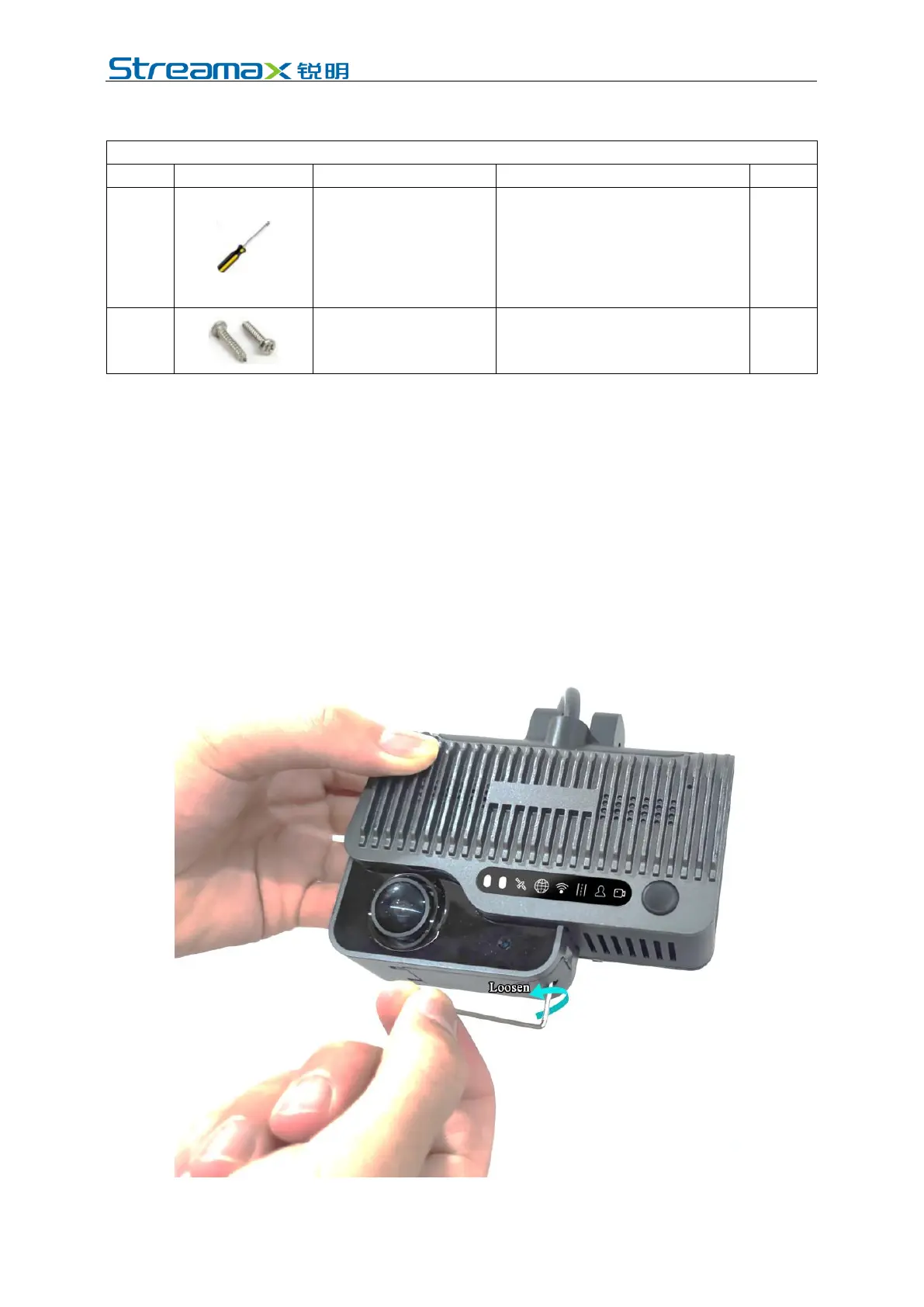
Take out the main unit (without powering on), and turn the card slot panel at the
bottom of the main unit counterclockwise with the L-shaped socket head wrench in
the package to open the panel.
Install SIM card and Micro SD card as shown in the figure below (pay attention to



 To Next Page