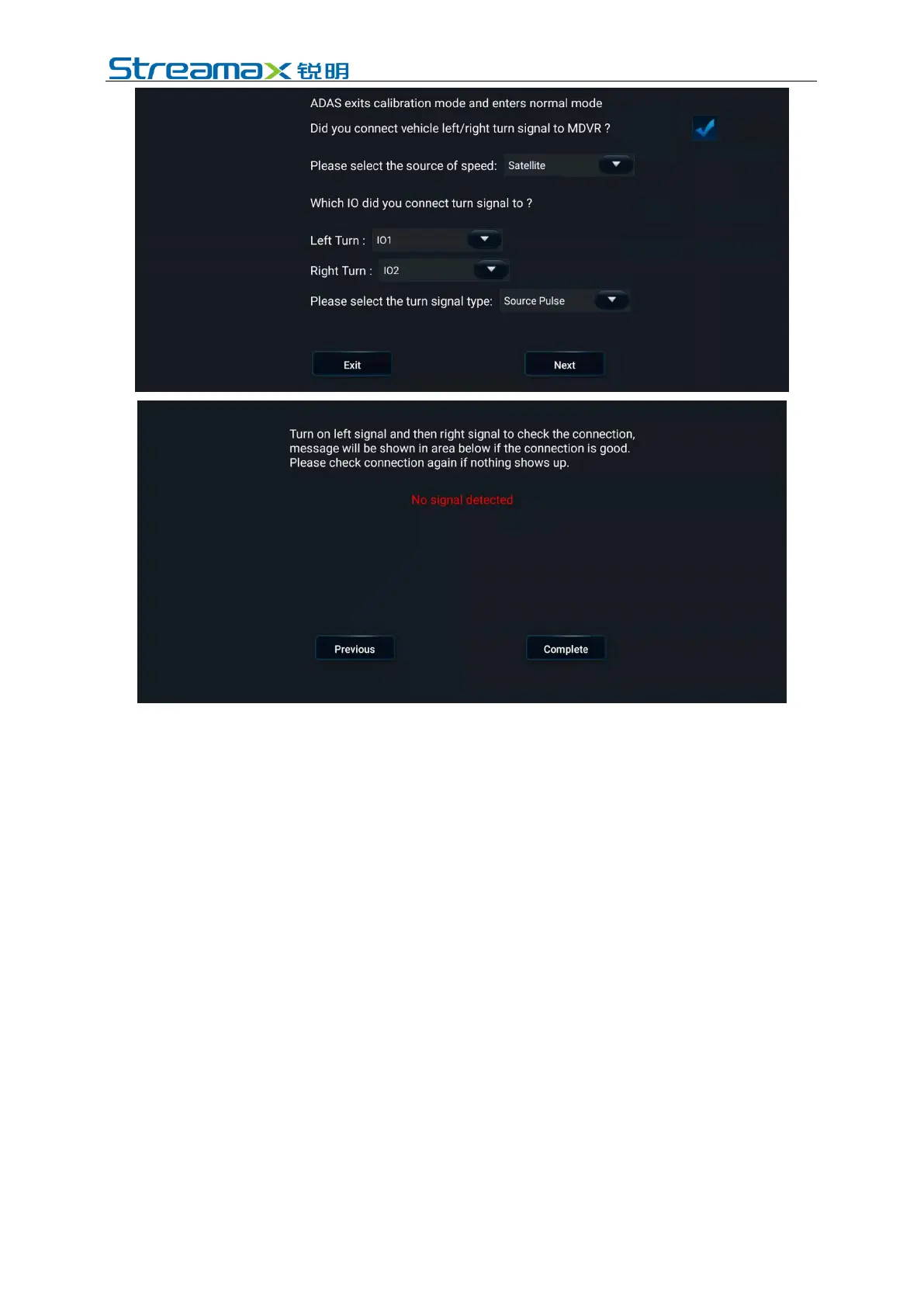
7. Return to the real-time preview interface of the ADAS channel (by double
clicking the ADAS channel to enter the main stream), and check and confirm
that there is no calibration line superimposed on the screen at this time, a
condition suggesting the normal operation of the ADAS channel.
At this point, the calibration operations of the ADPlus from the preview interface
are completed.
5.2 DSC Calibration
5.2.1 Left and Right Rudder Setting
In the Veyes operation interface, click [Preferences]> [Alarm]> [AI App]>
[Algorithm], as shown in the figure below:
Select left rudder or right rudder at [Steering Wheel Position]. The vehicle is a left
rudder one if the driver's seat faces forward and the steering wheel is on the left side
of the cab and a right rudder one if the steering wheel is on the right side of the cab.



 To Next Page