5.2.2 Cab Camera Angle Adjustment
In the operation interface of Veyes, click [Preview] to enter the preview interface,
double click Channel 2 to zoom in and view the cab screen.
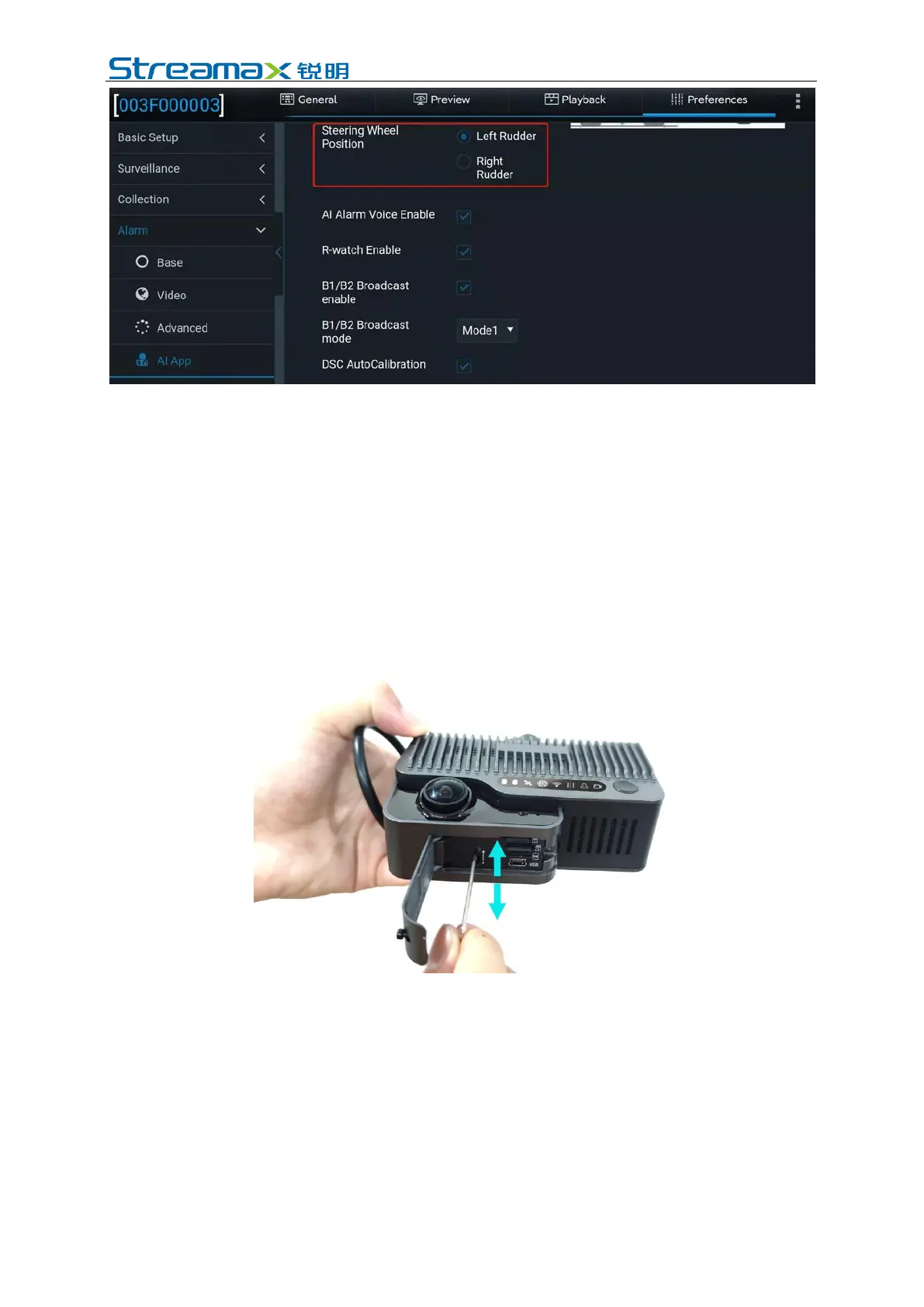
Open the card slot panel at the bottom of the DVR and adjust the angle of the cab
camera lens with an L-shaped Allen wrench at the adjustment hole of the cab
camera lens angle.
Adjust the cab camera lens to meet the following conditions:
1) The center of the cab shall be in the middle of the screen
2) The cab screen shall be level
3) The vehicle steering wheel shall be shown at the left/right corner of the screen
The cab screen of an internal camera lens properly adjusted is as follows:



 To Next Page