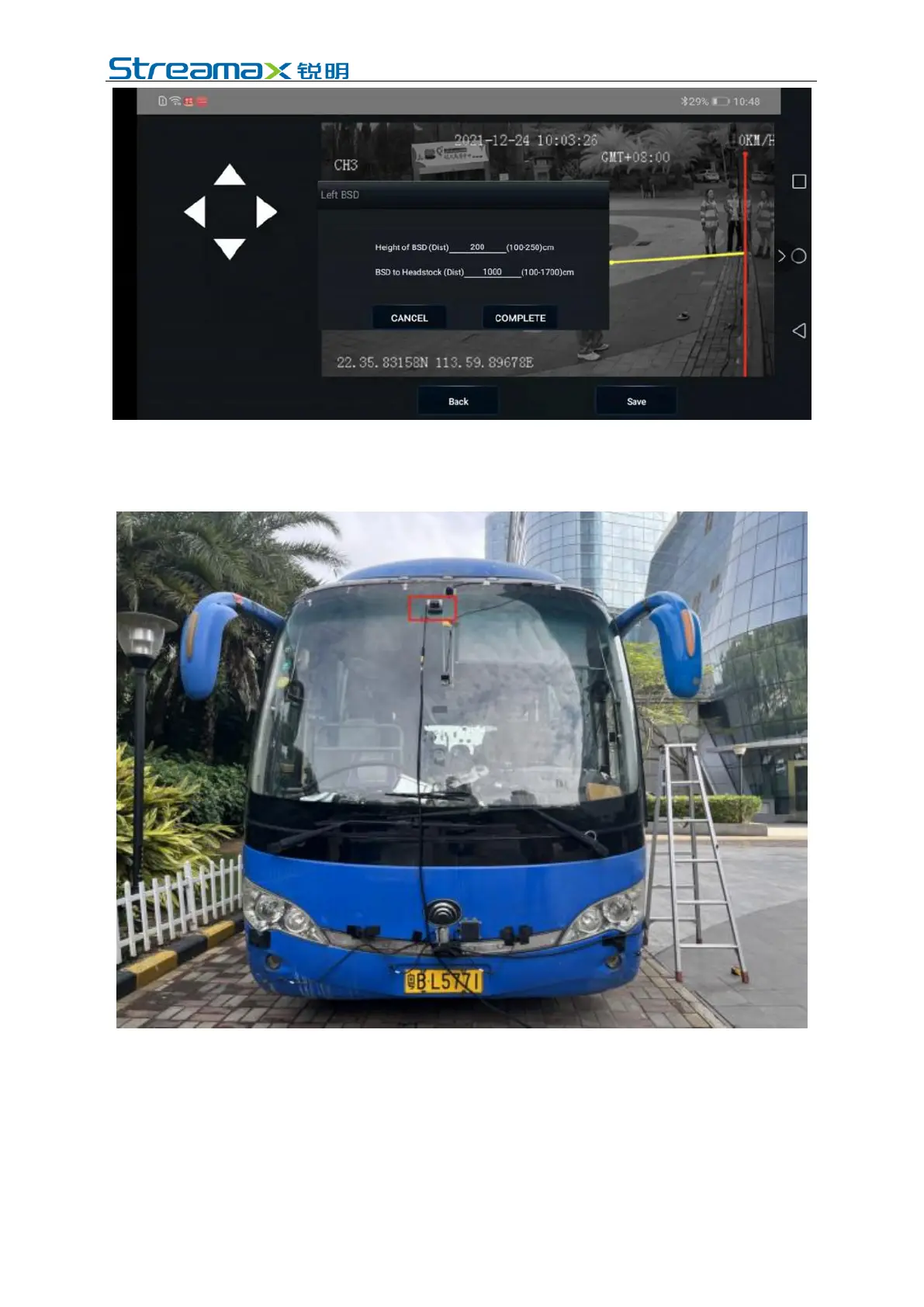
Input the accurate installation height and the distance from the camera to the front
end, and click Finish.
6.2.3 Calibration of Blind Spot in Front Top View
Step 1: Connect the mobile phone to the device hotspot, enter ezinstall, input the
user name and password, and click Login.
Step 2: Choose Next, then the screen shows the channel; select AI alarm type =
Blind spot front, and choose the setting button to start calibration.



 To Next Page