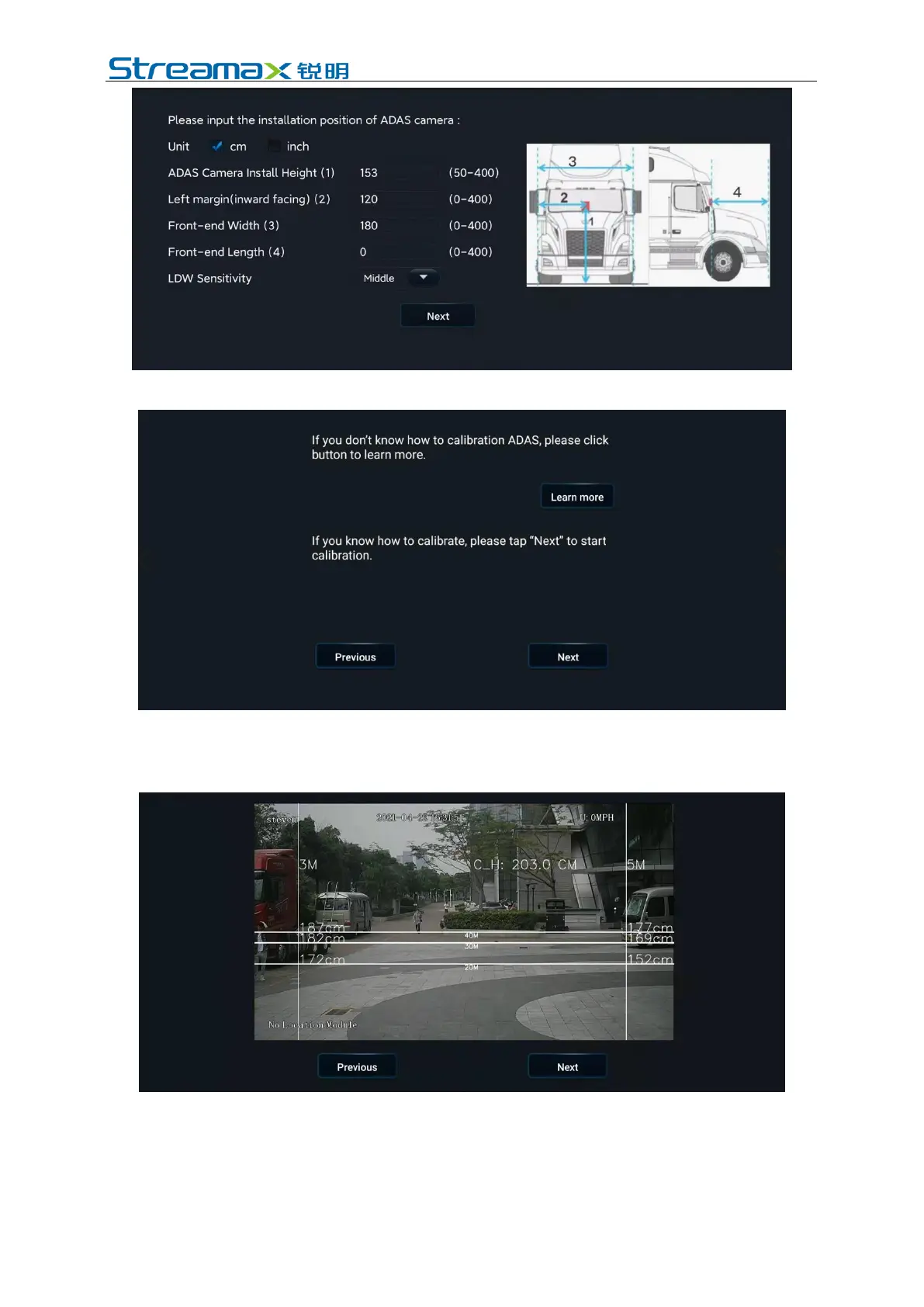
Click [Next] to enter the interface as shown below.
5. Click [Next] to enter the interface as shown below. Since ADPlus is capable of
automatic calibration, it is only required to click [Next] directly without
adjusting the device in this interface.
6. Enter the interface below, select the source of speed according to the actual
installation conditions, set the left and right steering signal parameters, and
then click Next. Check whether the left and right steering signals are valid
according to prompts in the next interface that appears. After checking, click
[Finish] to exit the calibration interface.



 To Next Page