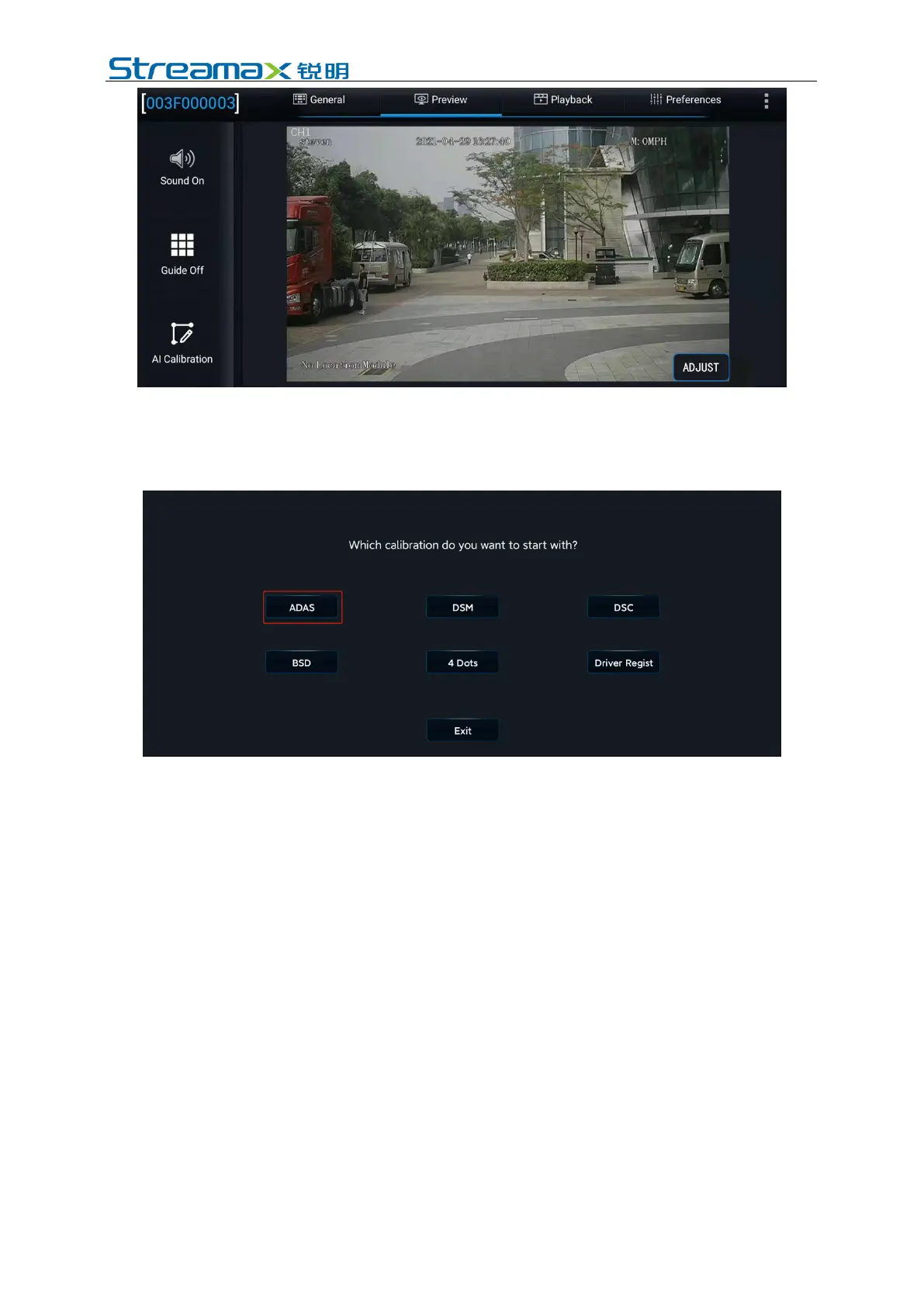
Enter the real-time preview interface, double click the ADAS channel screen to
enter the main stream; click the "AI Calibration" button at the lower left corner of
the screen to enter the AI calibration selection interface to perform ADAS
calibration
2. Select the calibration channel. ADAS cameras are all installed on Channel 1,
so select Channel 1. Then, click "Calibration" at the lower right corner of the
screen to enter the calibration process



 To Next Page