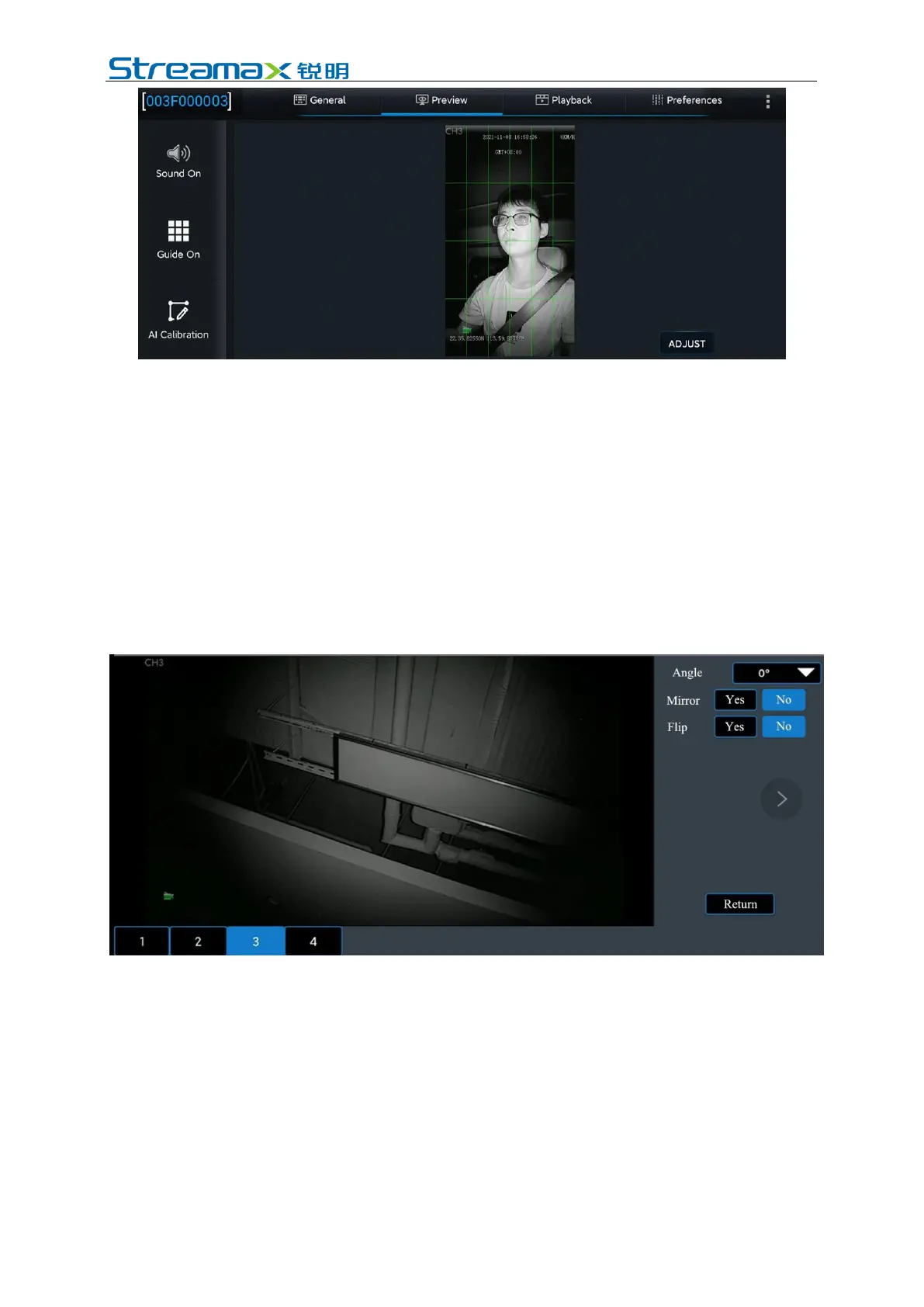
2. If the screen is upright, there is no need to set the installation type of the DMS
camera, and go directly to step 3;
If the driver is upside down or skewed on the screen, select the channel
corresponding to the DMS camera (the Channel 3) by clicking [Preferences]>
[Surveillance]> [Camera Setup], and modify the rotation angle, mirroring, and
flipping parameters on the right side of the screen to adjust the DMS channel screen.
Generally speaking, the installation angle parameter should be set to 0 for
countertop-mounted CA29M. If the screen of external 3mm A-pillar side-mounted
CA29M is skewed, the installation angle parameter needs to be modified from 0 to -
90° or +90°.
*Note: Do not activate Mirroring or Flipping, please make sure that Mirroring and
Flipping settings are both No.
3. After the appropriate installation position meeting the above requirements for
installation details is determined through the DMS camera screen, first tighten
the upper screw of the DMS camera mount (with the lower screw of the mount
not tightened temporarily, so as to adjust the angle of the camera up and down).



 To Next Page