9
III. STB
You should install the receiver when powering on your product for the first time
after purchase.
Note: The default password is 0000. If you have forgotten your password,
please contact your local product distributor.
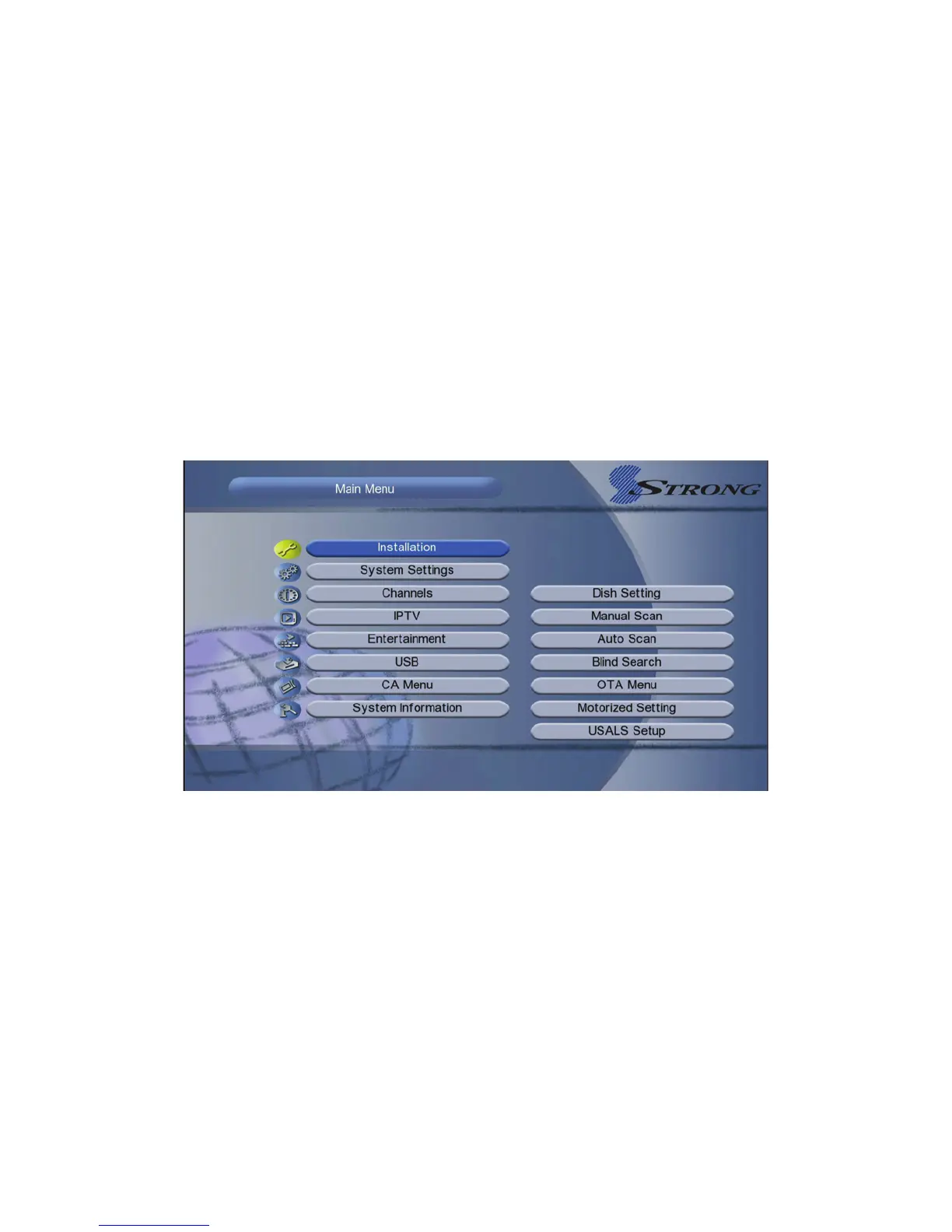
Main menu
Press the MENU button when you exit all menu, highlight the option which you
want to operation,press OK button.
IV. Installation
Highlighted to Installation,press the OK button to enter into the installation
menu .In Installation menu,you can make antenna setting, usals setup,Factory
Default and so on.



 To Next Page