13
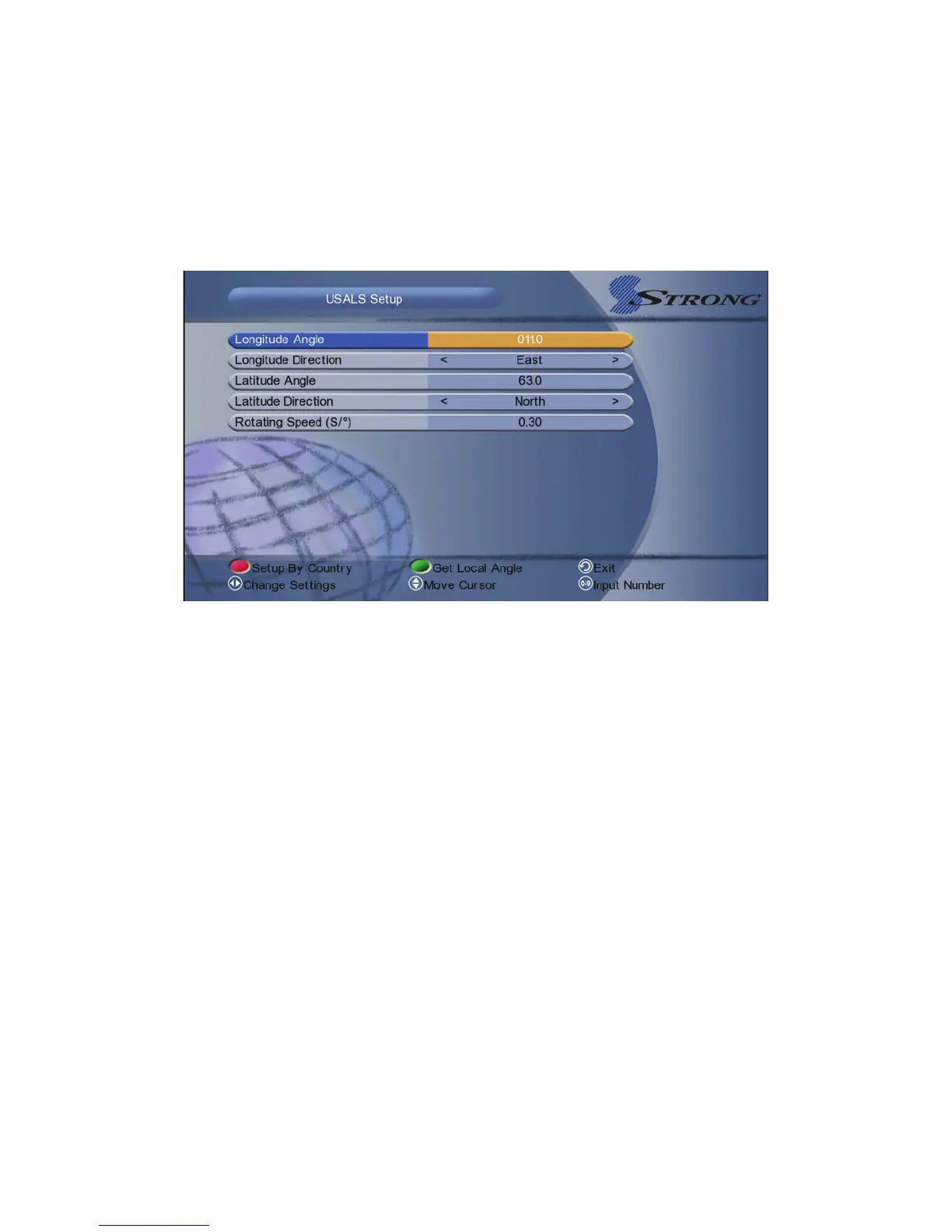
4.7 USALS Setup
Menu->Installation-> USALS Setup
If you set the Motor Mode to USALS, you need set the longitude and the latitude
in USALS Setup.
Setup By Country: Press the RED button, you can choose the country, press
OK button, you will view the city in this country that you select.
Get local Angle: Press the Green button, in this function you need connect to
the network.
V. System Settings
Highlighted to System Settings, and press the OK button to enter into the
system settings menu. In this menu you can make some system settings.
5.1 System
Menu-> System Settings-> System



 To Next Page