15
12. Save Find Result:
13. Desk Weather: If you select On, there will show the weather information. If
you select OFF, you aren’t going to see the weather information.
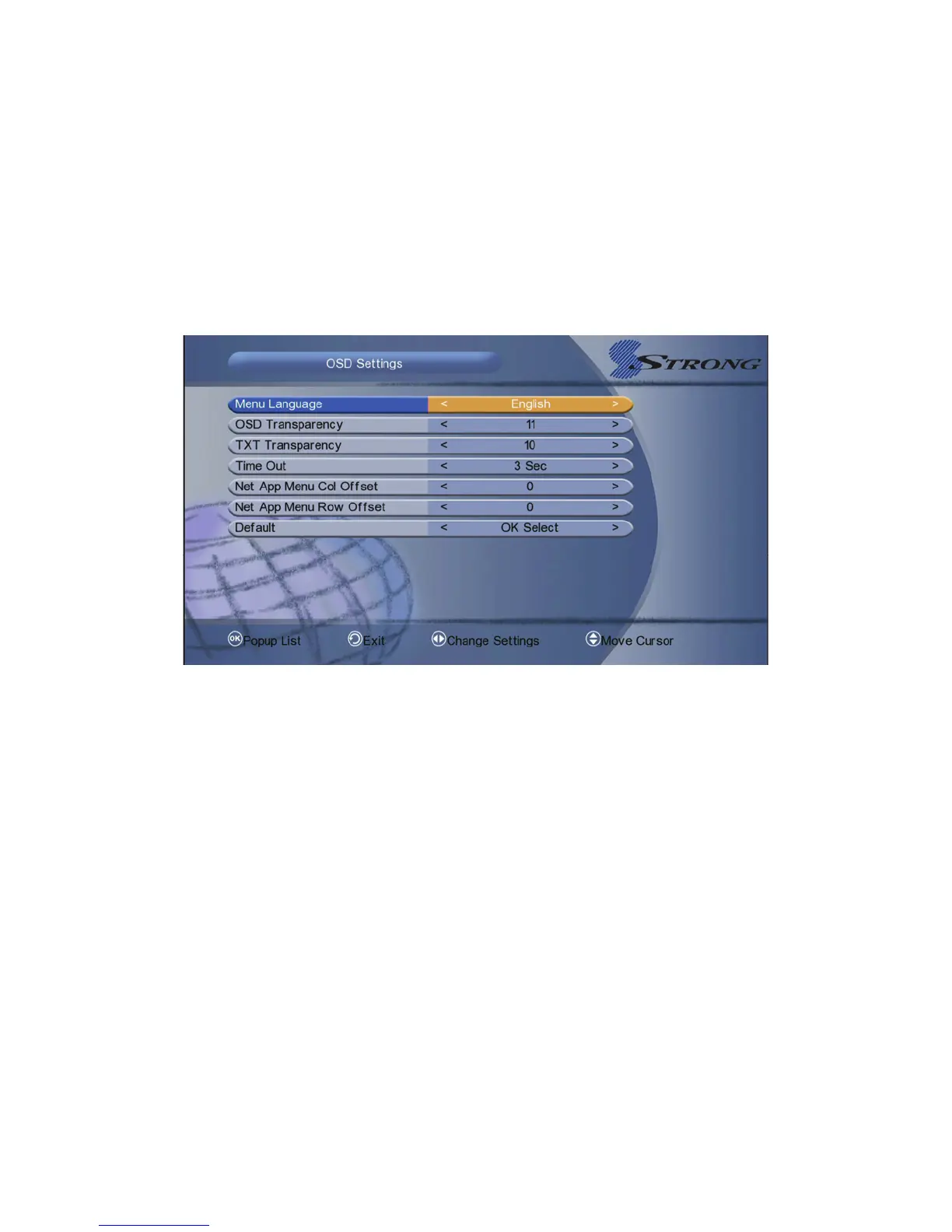
5.2 OSD Settings
Menu-> System Settings-> OSD Settings
1. Menu Language: Set the menu language.
2. OSD Transparency: Set the transparency of all menus.
3. TXT Transparency: Set the transparency of teletext.
4. Time Out: Set the display time of the programme information.
5. Net App Menu Col/ROW Offset: You can turn the Net App Menu Col/Row
Offset to 0, 5, 10, 15 and 20.
6. Default: If you want to reset, please hightlight to default and press OK button.
5.3 A/V Output Setting
Menu-> System Settings-> A/V Output Setting
1. TV System: Set the TV system mode.



 To Next Page