19
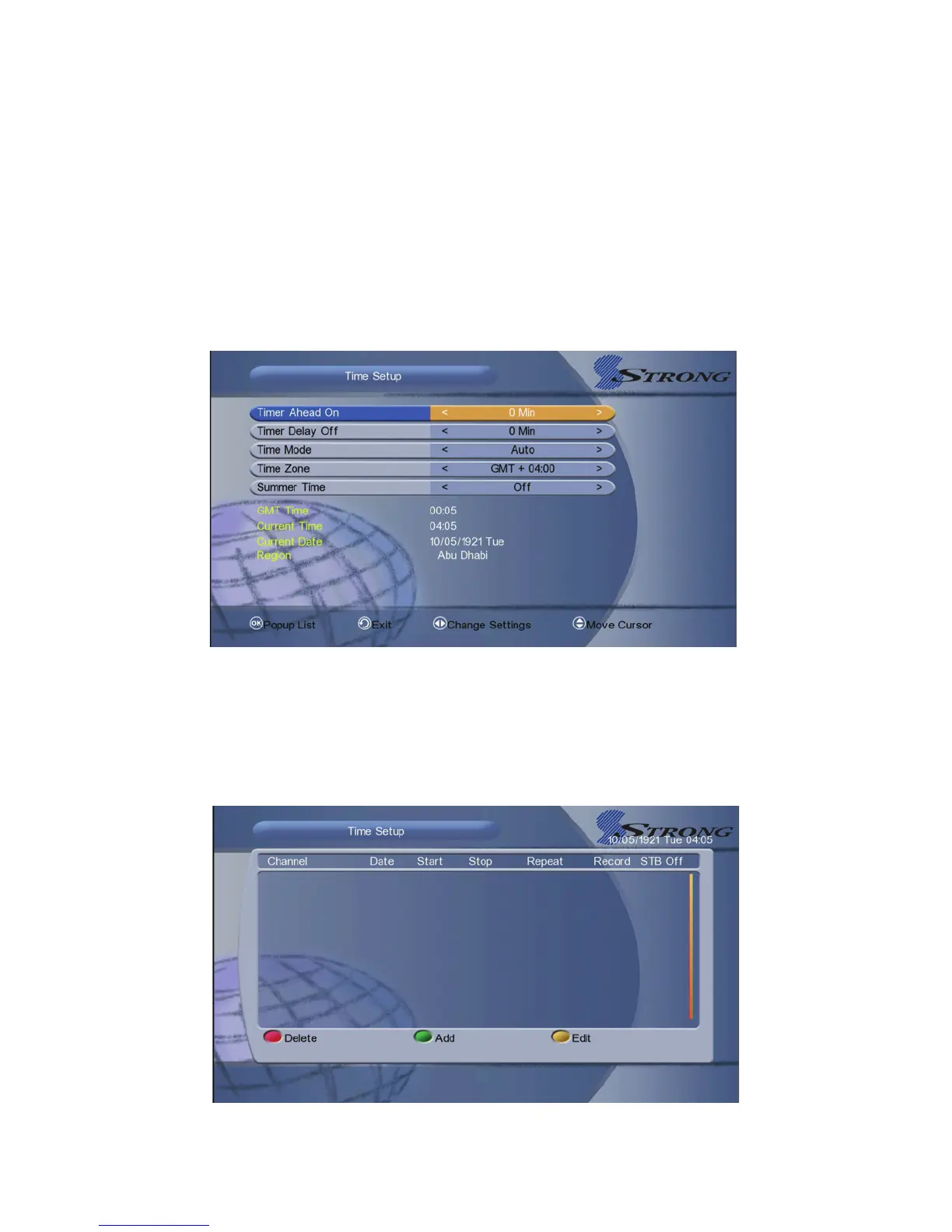
1. Timer Ahead On: Additional recording time before the recording starts.
2. Timer Delay off: Additional recording time after the recording ends.
3. Timer Mode: Set the system time mode.
4. Timer Zone: Set the timer zone according to your city.
5. Summer Time: Set the summer time On or Off.
Note: The time you set will be shown on the front panel when you set receiver to
standby mode.
5.6.2 Time Setup
Menu-> System Setting->Timer Adjust->Event Timer
You can set unlimited timer events when memory is not full. It will record or play
the programme automatically according to the timer event list that you set.



 To Next Page