16
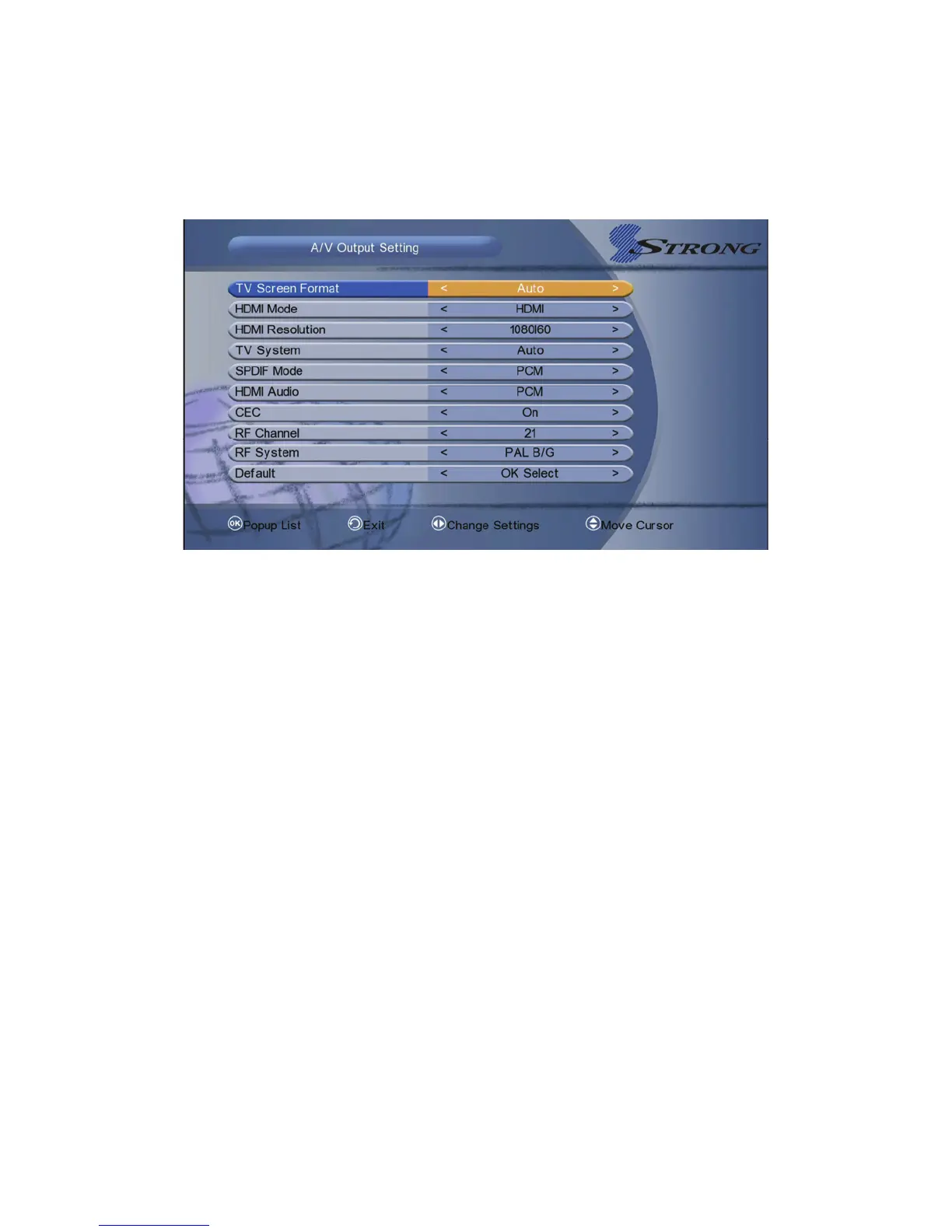
2. HDMI Mode: Set the HDMI output mode.
3. HDMI Resolution: Set the HDMI output Resolution.
4. TV System: Set the TV system mode.
5. SPDIF Mode: Set the SPDIF output mode.
6. HDMI Audio: Set the HDMI output mode.
7. CEC: You can turn the CEC mode to On or Off.
8. RF Channel: You can select preferred RF channel from channel 21 to
channel 69.
9.
Default: If you want to reset, please hightlight to default and press OK
button.
5.4 Video Settings
Menu-> System Settings-> Video Settings



 To Next Page