24
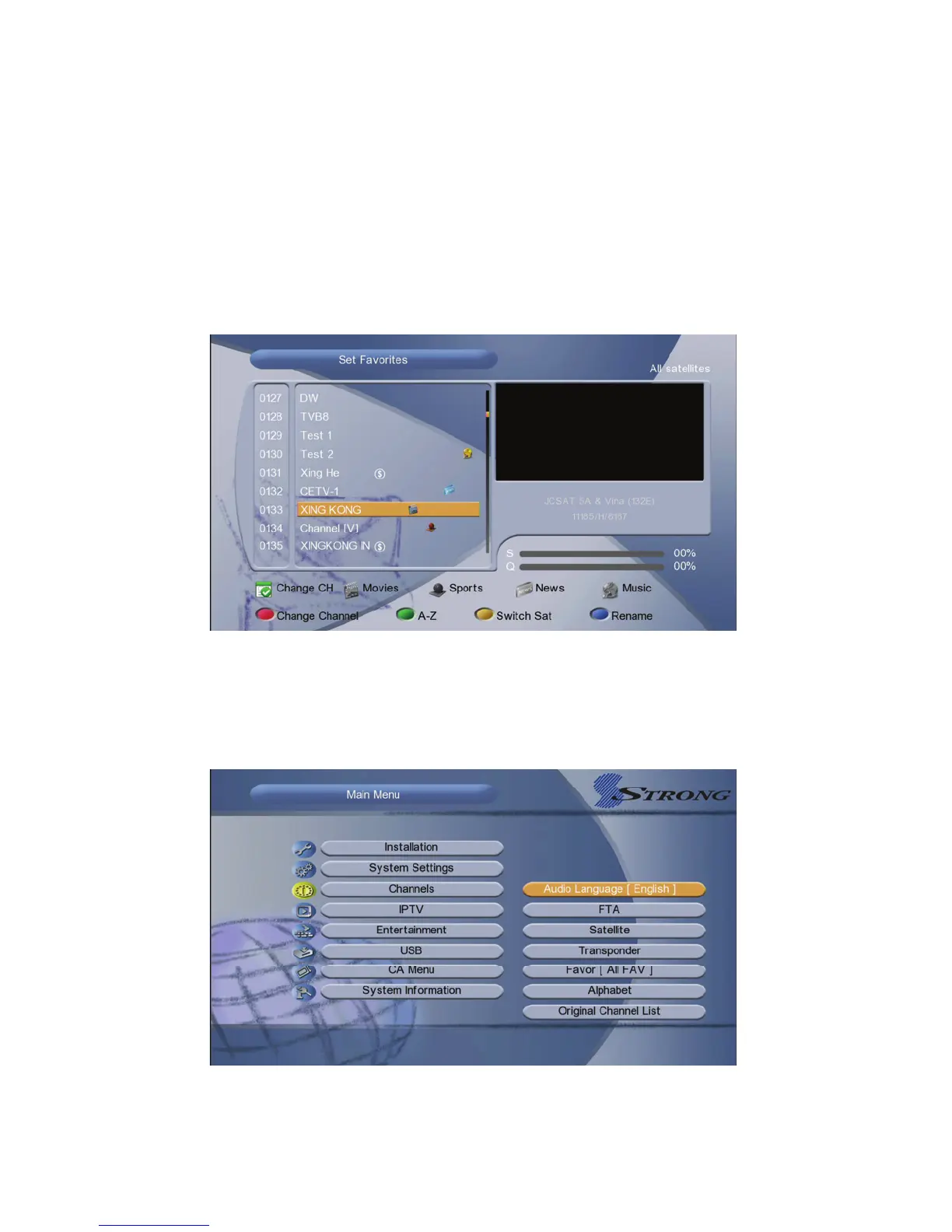
6.2 Set Favorites
Menu->Channels->Set Favorites
Input the Password to enter, and then press the Vol+/- button to add the
Favorite Channel you want to setup. Like Movies/ Sports/ News/ Music/
Children’s/ Education/ Social/ Culture. Press the Red button can change the
types.
6.3 Sort Channels
You can sort the channels list.Highlight the option you want and press the OK
button to sort the channel list.



 To Next Page