22
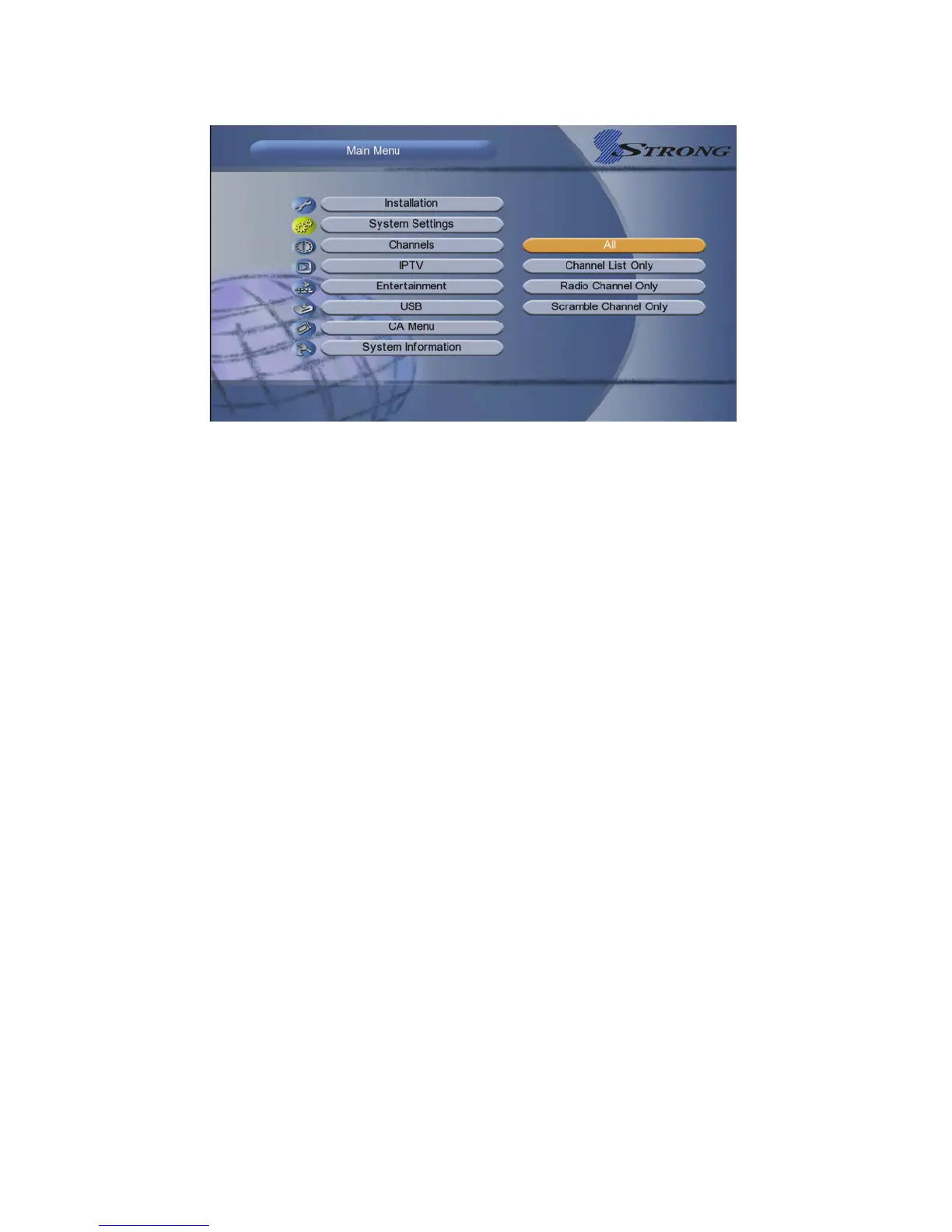
Highlight the option you want and press the OK button to execute it.
1.All: All data and settings will be deleted.
2.Channels List only: All channels data will be deleted.
3. Radio Channel only: All radio channels data will be deleted.
4. Scramble Channels only : All scramble channels data will be deleted.
5.9 Help
Menu-> System Settings->Help
Before contacting your local service centre, please read the help infomation
carefully. If the problem persists after completing the following procedure,
please contact your local product distributor or service centre for further
instructions.
VI. Channels
Highlighted to Channels, and press the OK button to enter into the Channels
menu. In this menu you can use Edit Channels, Set Favorite, Sort Channels,
Delete Satellite Channels and Multi Screen Application.



 To Next Page