10
How to Connect
Refer to the diagram on page 7 for the location of the sockets identified by numbers in the procedures in
this section.
Make sure you have installed the batteries in the remote control before you begin connecting the receiver
to your TV. Depending on the connection method you choose, you may need to adjust certain settings
using the remote control before you can see a digital broadcast.
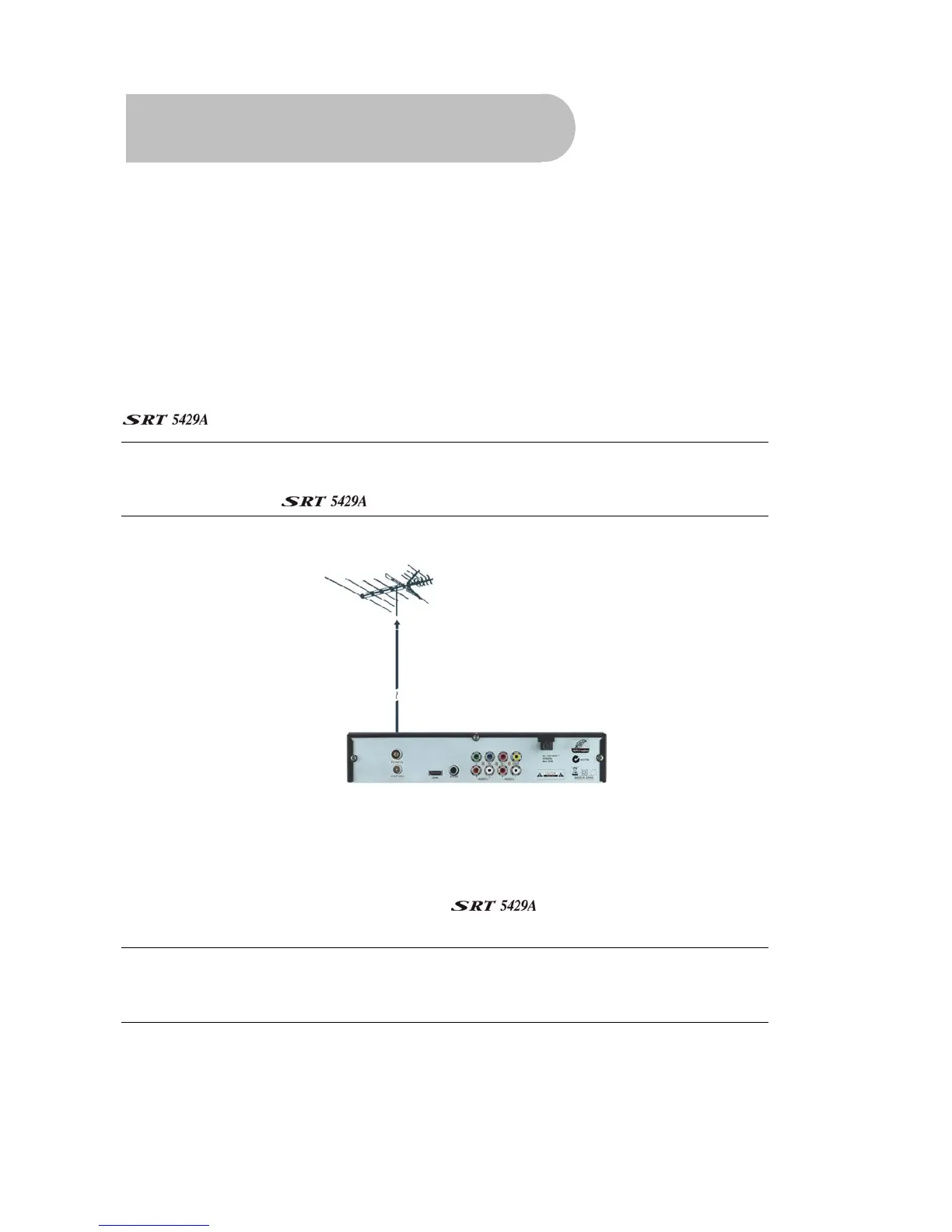
Step 1: Connect to the antenna
Connect the antenna lead coming from your antenna wall plate to the TV ANT IN socket on the
(socket 5).
TIP: You probably already have an antenna lead coming from your antenna wall plate to the TV
ANT IN socket on the back of your TV. If so, simply unplug the lead at the TV and plug it into the
TV ANT IN socket on the
.
Step 2: Choose an installation method
There are a number of methods of connecting the . These methods are labelled A, B, C and D
below.
NOTE: The various video connection options available provide differing degrees of video quality.
In ascending order of quality, these connections are Composite (good),, Component (better )
and HDMI (best).



 To Next Page