13
Step 3: Coaxial connections
Dolby Digital
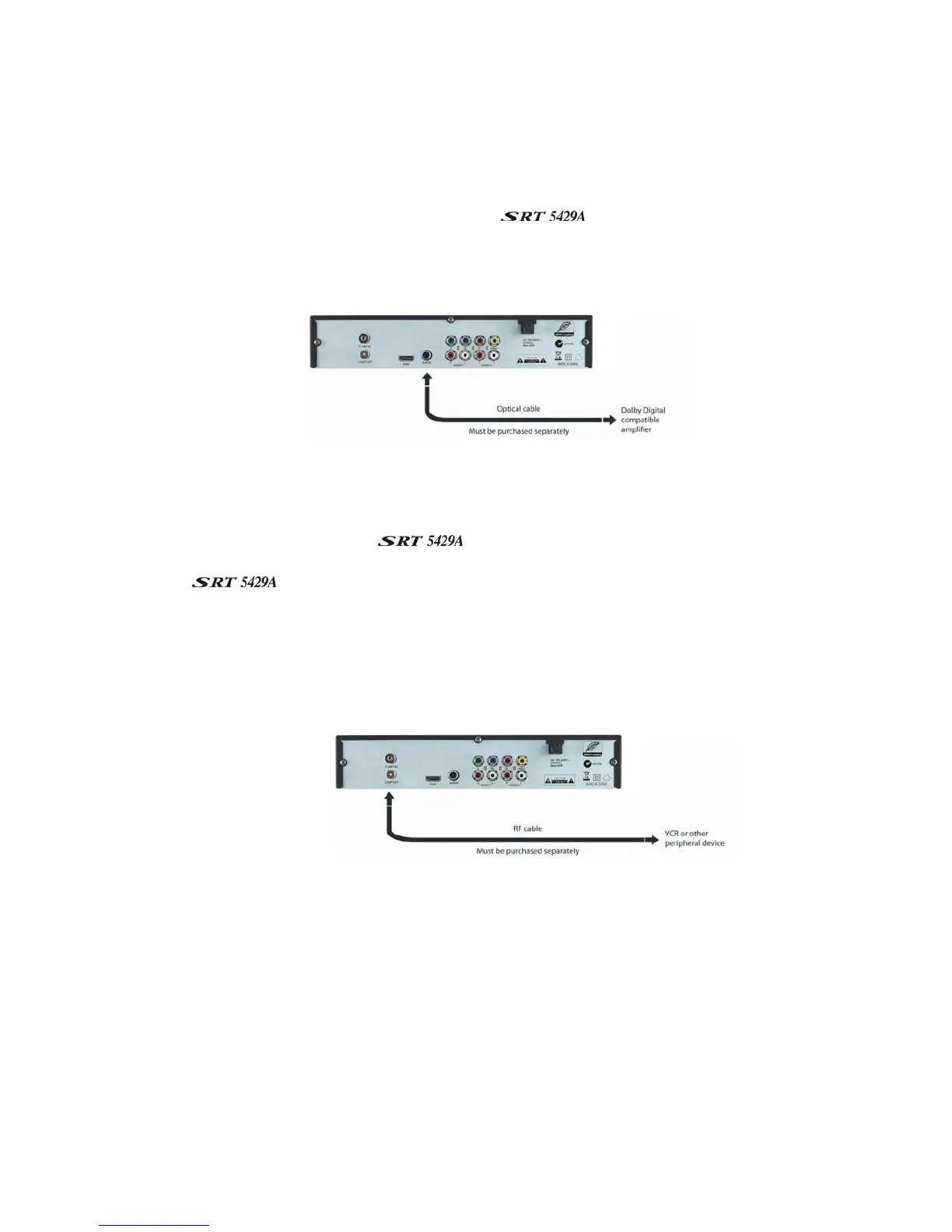
Dolby digital bitstream audio S/PDIF can be achieved using a coaxial cable. (This cable is not supplied.)
The cable should be connected between socket 3 on the
and the S/PDIF socket on your Dolby
Digital decoder amplifier.
Looping Out (for VCR recording)
In order to watch one channel while recording another on a VCR, connect an RF cable (not supplied)
between the LOOP OUT socket on the
(socket 1) and the RF IN socket on your VCR. Note
that VCR recordings are only analogue, not digital. To ensure that you are able to watch TV via your VCR
while the
is in standby mode you need to set the receiver to Normal in the Low Power
section. To do this press the Menu button, then using the arrows keys select System Settings. In the
system settings menu select Low Power. Then using the arrows keys change the setting from Low Power
to Normal. Then press the EXIT button to return to normal viewing.



 To Next Page