34
Clearing and resetting data
You can reset the , by restoring the unit to the default settings it had when it left the factory.
This clears all channels, stations, preferences and other user settings. You will need to rescan for channels
and stations before you can continue watching digital TV or listening to digital radio.
WARNING: This procedure returns the
to its default factory settings. All data (such
as time zone, channels, stations and timers) will be lost.
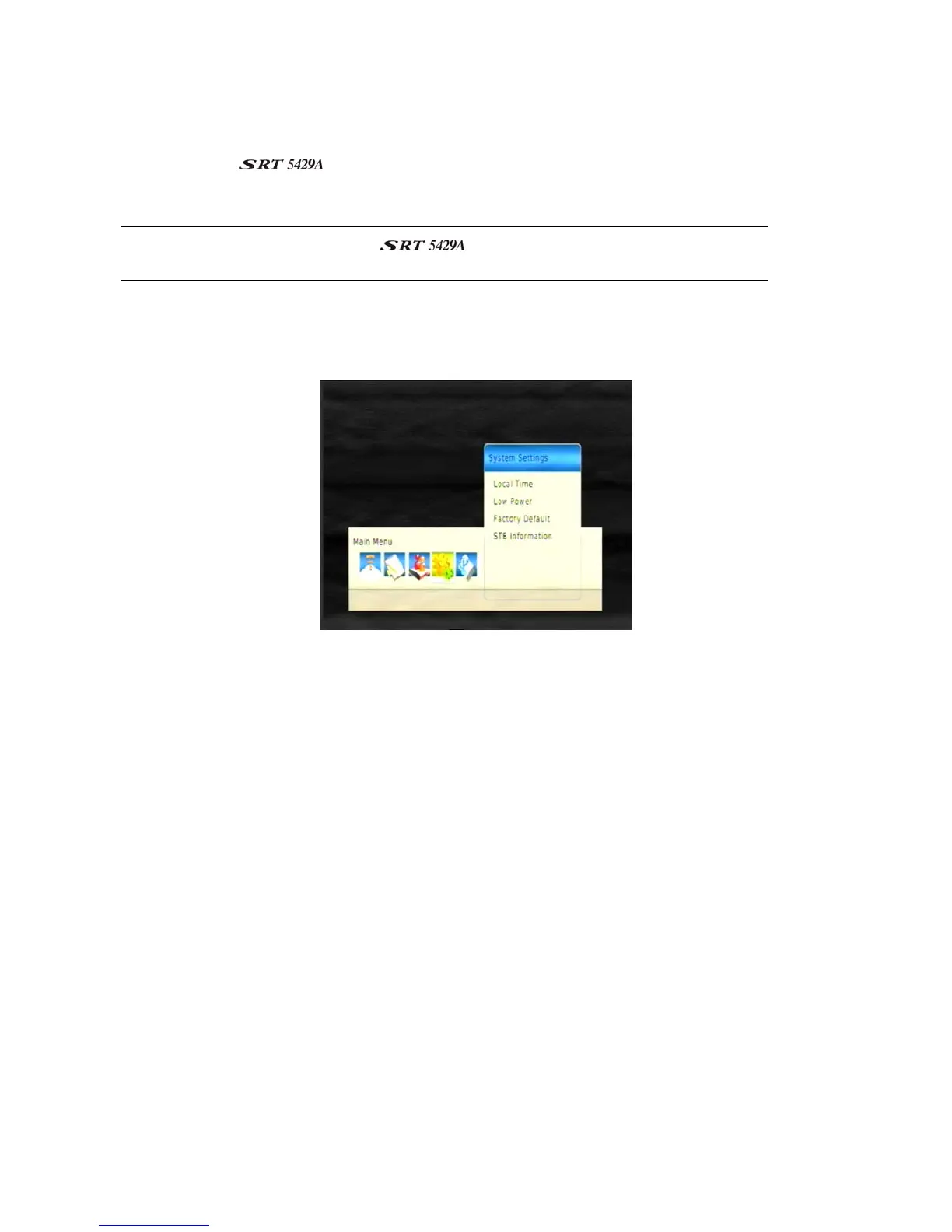
1. Press MENU on the remote control. The Main Menu screen appears.
2. If System Settings is not highlighted on the menu, press
or
until it is and then press OK. The
System Settings menu appears.
3. If Factory Default is not highlighted on the menu, press or
until it is and then press OK.
4. A warning message appears asking if you are sure you want to clear all services and reset all settings.
To continue, press OK. To cancel, press EXIT and ignore the rest of this procedure.



 To Next Page