6
Controls and Indicators
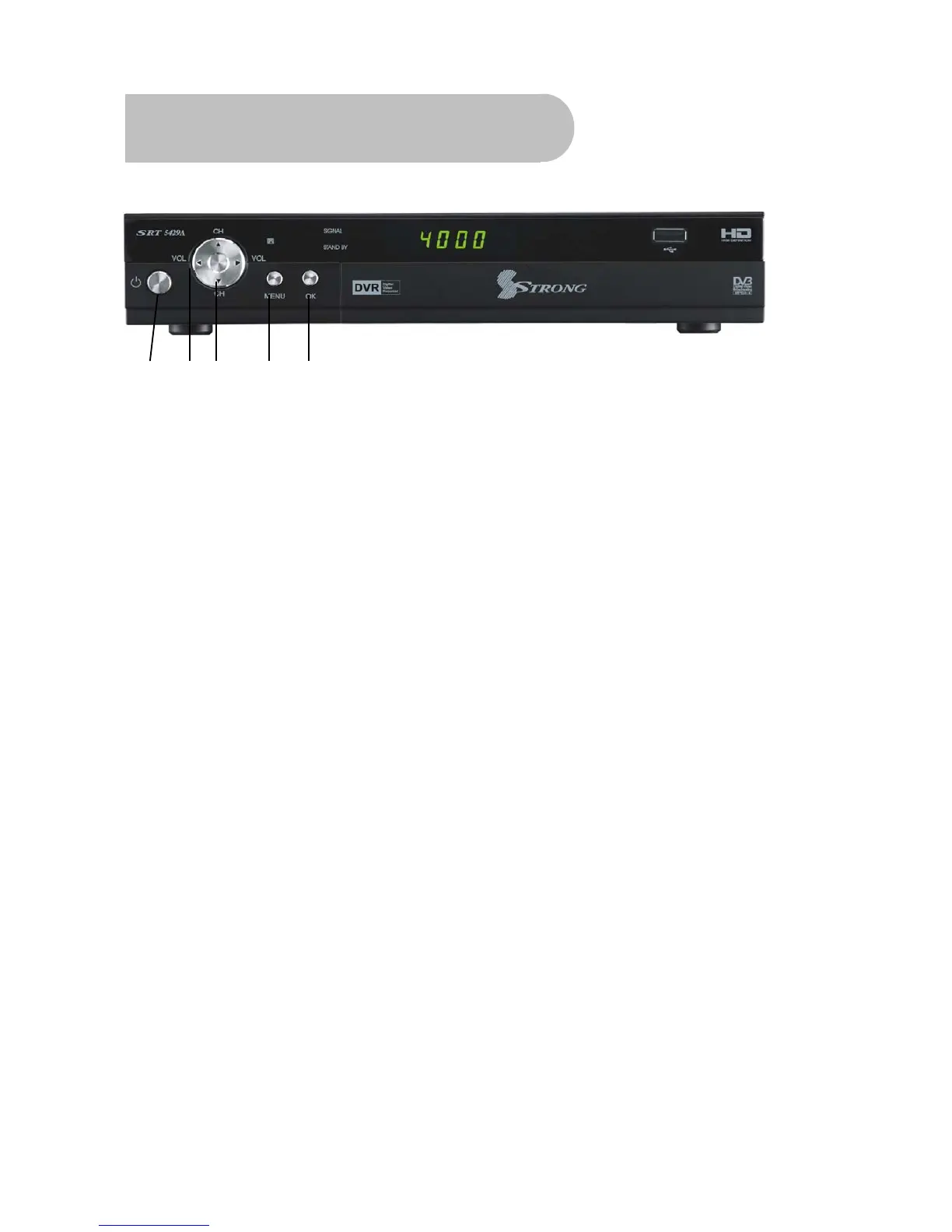
Front panel
1 2 3 4 5
1 To switch the receiver between stand-by mode and power-on mode.
2 To change the volume, or next option in a menu.
3 To select the previous channel, or previous option in a menu.
4 To display the main menu,or return to a previous menu
5
To confirm menu selection.



 To Next Page