27
Multi-language and Dolby Digital broadcasting
If a channel is being broadcast in more than one audio language, you can choose which language to listen
to. Similarly, if a channel is being broadcast in more than one audio format, you can choose which format
to listen to.
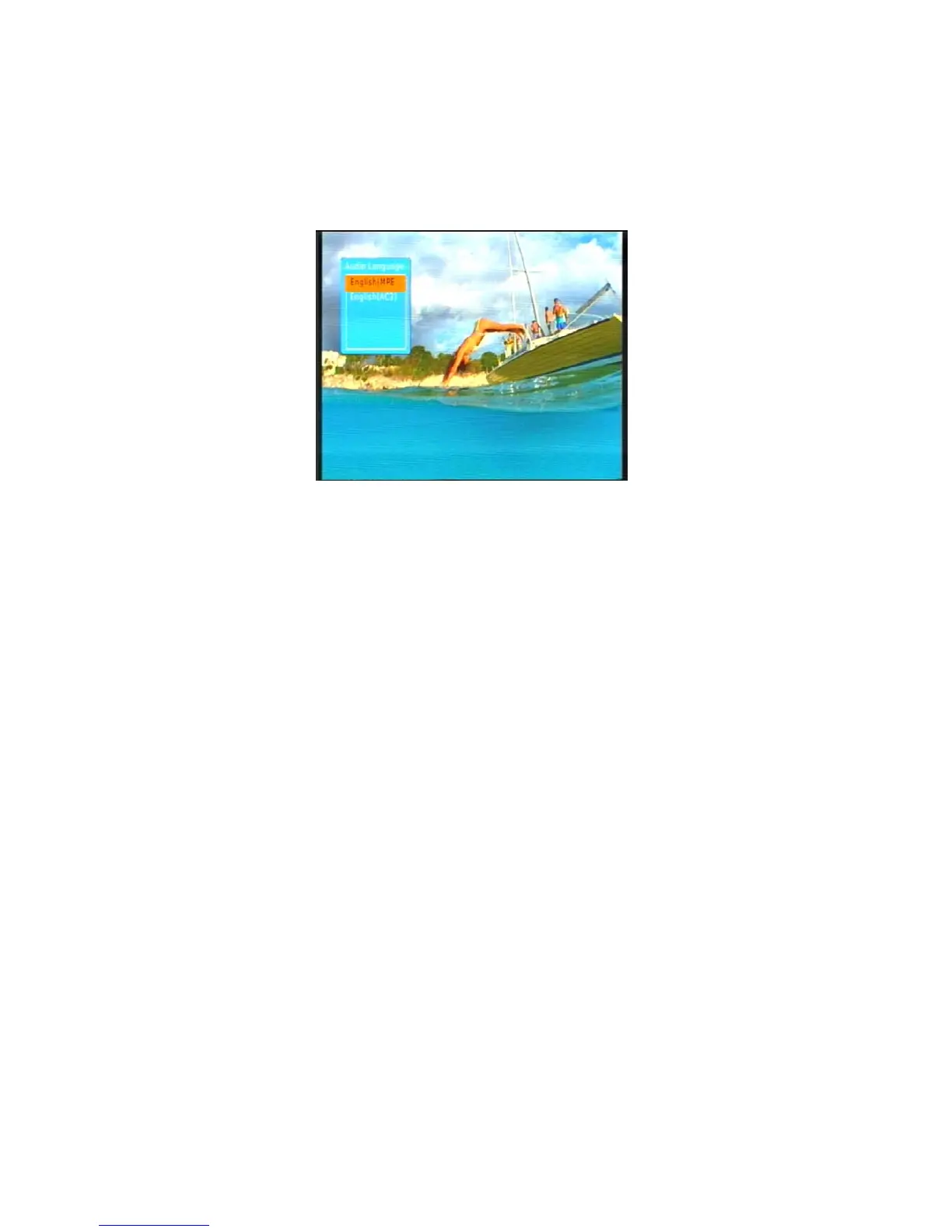
1. Press the AUDIO button (the green button) on the remote control. The Audio setting window appears.
2. If more than one audio language or format is being broadcast, pressing or
will cycle through each
language and format.
If a channel is being broadcast in Dolby Digital, the language will be shown with an AC3 suffix, as in
English (AC3). Non-Dolby broadcasts will have an MP2 suffix, as in English (MPEG2).
3. Press EXIT to close the Audio setting window and return to normal viewing.



 To Next Page