20
Selecting a favourite to watch or listen to
Press FAV on the remote control. The first channel or station or channel in your favourites list appears.
Note that the information panel reads FAV channel.
Organising channels and stations
The Channel Manager option on the Main Menu enables you to organise channels and stations.
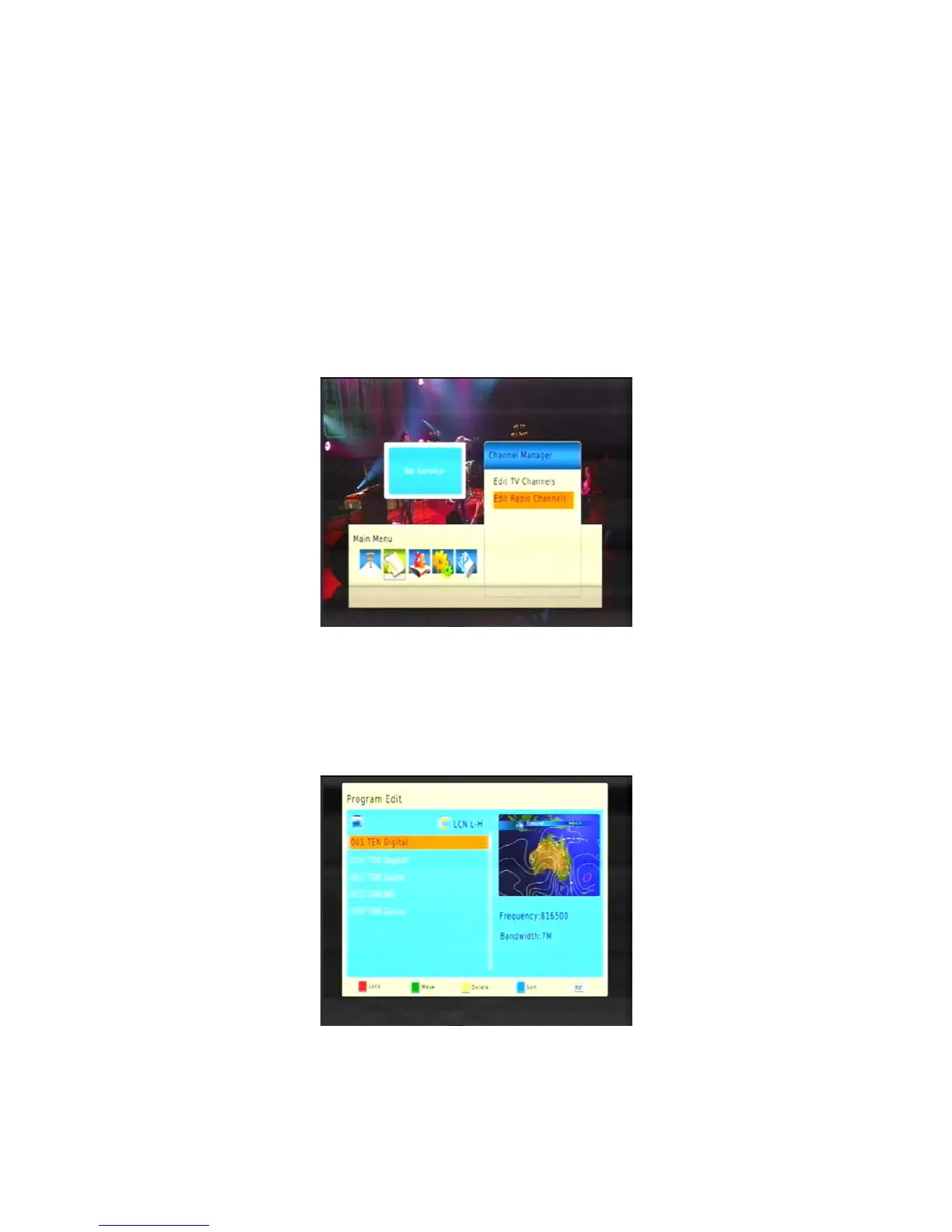
1. Press MENU on the remote control. The Main Menu appears.
2. If Channel Manager is not highlighted on the main menu, press
or
until it is and then press OK.
The Channel Manager menu appears.
3. If you want to organise a channel, make sure Edit TV Channels is highlighted; or if you want to delete
a station, make sure Edit Radio Channels is highlighted. With the option you want highlighted, press
OK.
A list of channels or stations appears.
4.LOCK:Press or
until the channel or station you want to lock is highlighted.Press SUB
button(the red button)again the program will be un-locked.(The default password is 000000)



 To Next Page