Black plate (245,1)
北米Model "A1100BE-A" EDITED: 2010/ 3/ 23
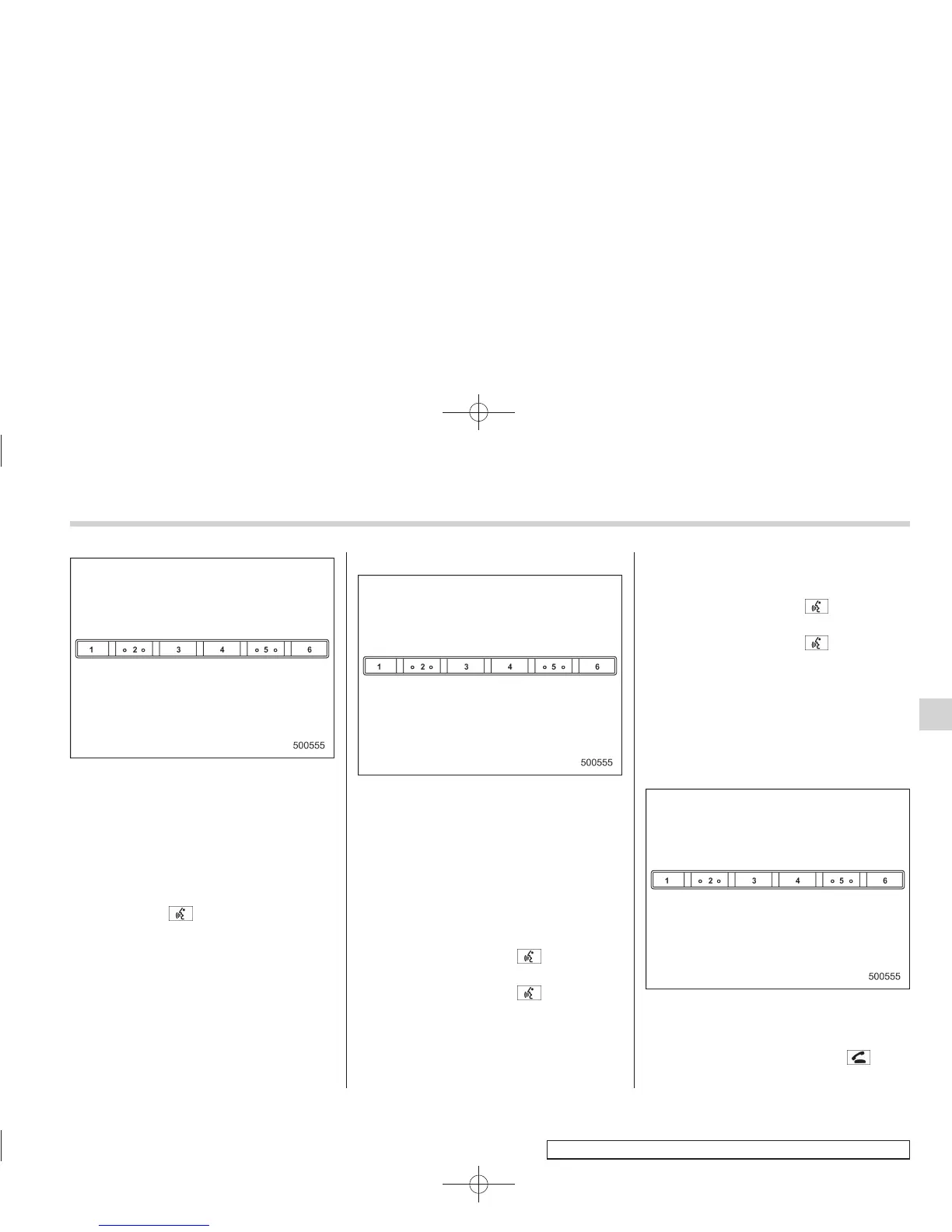
Preset buttons
4. Press the preset button in which you
want to register the phone number.
! Deleting the phonebook data
1. Select the “DELETE ENTRY” menu.
2. Select the phone number by operating
the “TUNE/TRACK/CH” dial/by pressing
the talk switch
and saying the voice
tag.
3. Select the “CONFIRM” menu. Then
“DELETED” is displayed and the selected
phonebook data is deleted.
! Deleting the speed dial
1. Select “DEL SPD DIAL” by operating
the “TUNE/TRACK/CH” dial or select
“DELETE SPEED DIAL” by using the
voice command system.
Preset buttons
2. Press the preset button in which you
want to delete the speed dial.
3. Select the “CONFIRM” menu. Then
“DELETED” is displayed and the selected
speed dial is deleted.
! Making a phone call
! Making a phone call by saying name
1. Press the talk switch
.
2. Say “ DIAL BY NAME”.
3. Press the talk switch
again.
4. Say the desired name (voice tag) to be
called.
5. Select the “DIAL” menu.
! Ma king a phone c all by saying
number
1. Press the talk switch
.
2. Say “DIAL BY NUMBER”.
3. Press the talk switch
again.
4. Say the desired phone number to be
called.
5. Select the “DIAL” menu.
! Making a phone call from speed dial
It is possible to select a phone number
from speed dial registered with the in-
vehicle equipment to make a phone call.
Preset buttons
1. Press the preset button in which the
desired number is registered.
2. Press the OFF hook switch
.
Audio 5-53
– CONTINUED –
5














 To Next Page