Black plate (246,1)
北米Model "A1100BE-A" EDITED: 2010/ 3/ 23
5-54 Audio
NOTE
When a preset button for which num-
bers are not registered is pressed, an
error message is indicated on the audio
screen.
! Redial
1. Select the “REDIAL” menu.
2. Press the OFF hook switch
.
3. Select the desired number by operat-
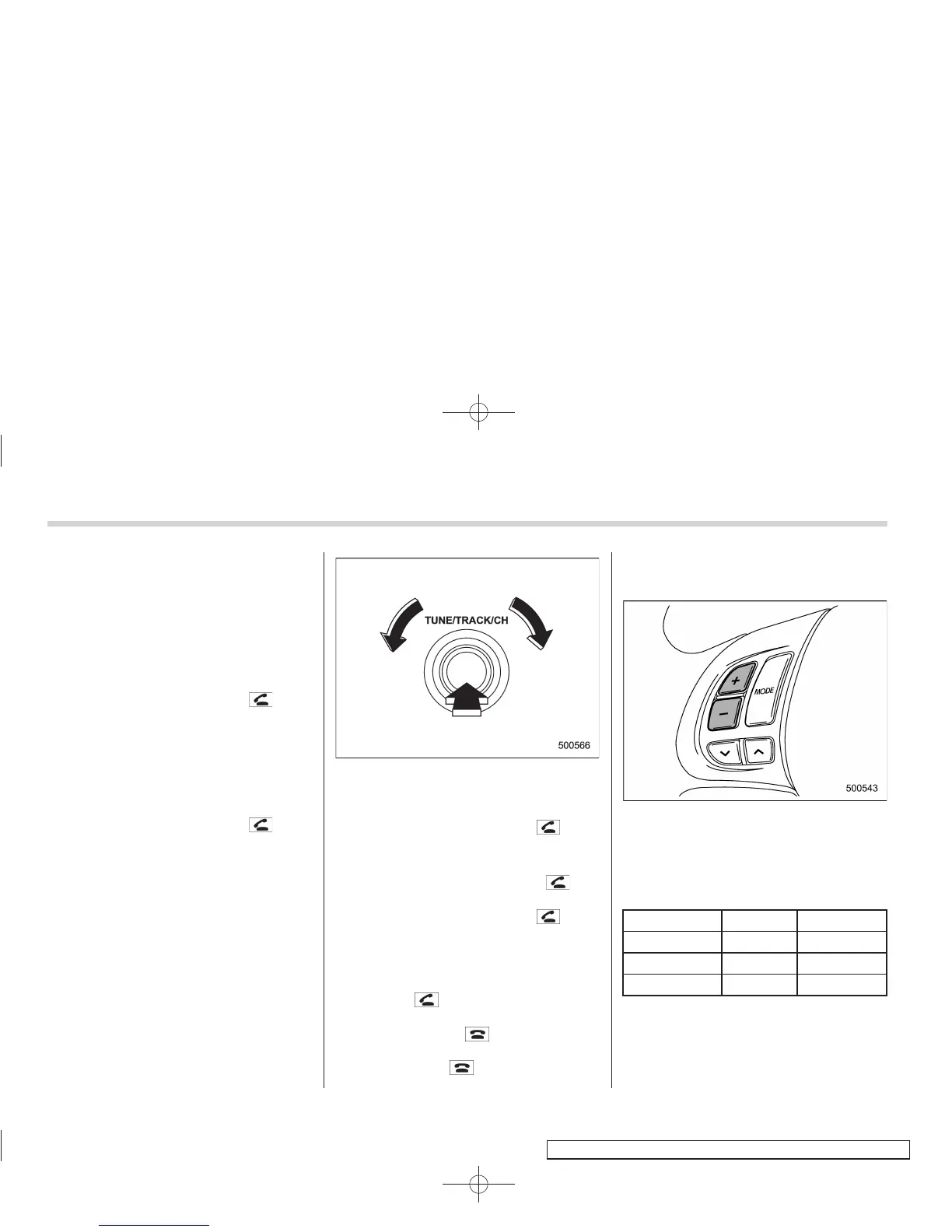
ing the “TUNE/TRACK/CH” dial.
4. Select the “DIAL” menu.
! Callback
1. Select the “CALL BACK” menu.
2. Press the OFF hook switch
.
3. Select the desired number by operat-
ing the “TUNE/TRACK/CH” dial.
4. Select the “DIAL” menu.
! Making a phone call from list name
It is possible to select a phone number
from the list name registered with the in-
vehicle equipment to make a phone call.
1. Select the “LIST NAMES” menu.
2. Select the desired number by operat-
ing the “TUNE/TRACK/CH” dial.
3. Press the OFF hook switch
.
! Top redial
1. Press the OFF hook switch
and
load the outgoing call history.
2. Press the OFF hook switch
.
! Taking a phone call and declining
an incoming call
To take a phone call: Press the OFF
hook switch
.
To put an incoming call on hold: Press
the ON hook switch
briefly.
To decline an incoming call: Press the
ON hook switch
for more than 1.5
seconds.
! Volume control
You can adjust the phone call volume, the
voice volume and th e voice guidance
volume. Refer to “Volume control buttons”
F5-44.
! Adjustable level of each volume
Volume Range Initial setting
Phone call 0 to 14 7
Voice 0 to 14 7
Voice guidance 0 to 6
3














 To Next Page