Instruments and controls/Multi function display
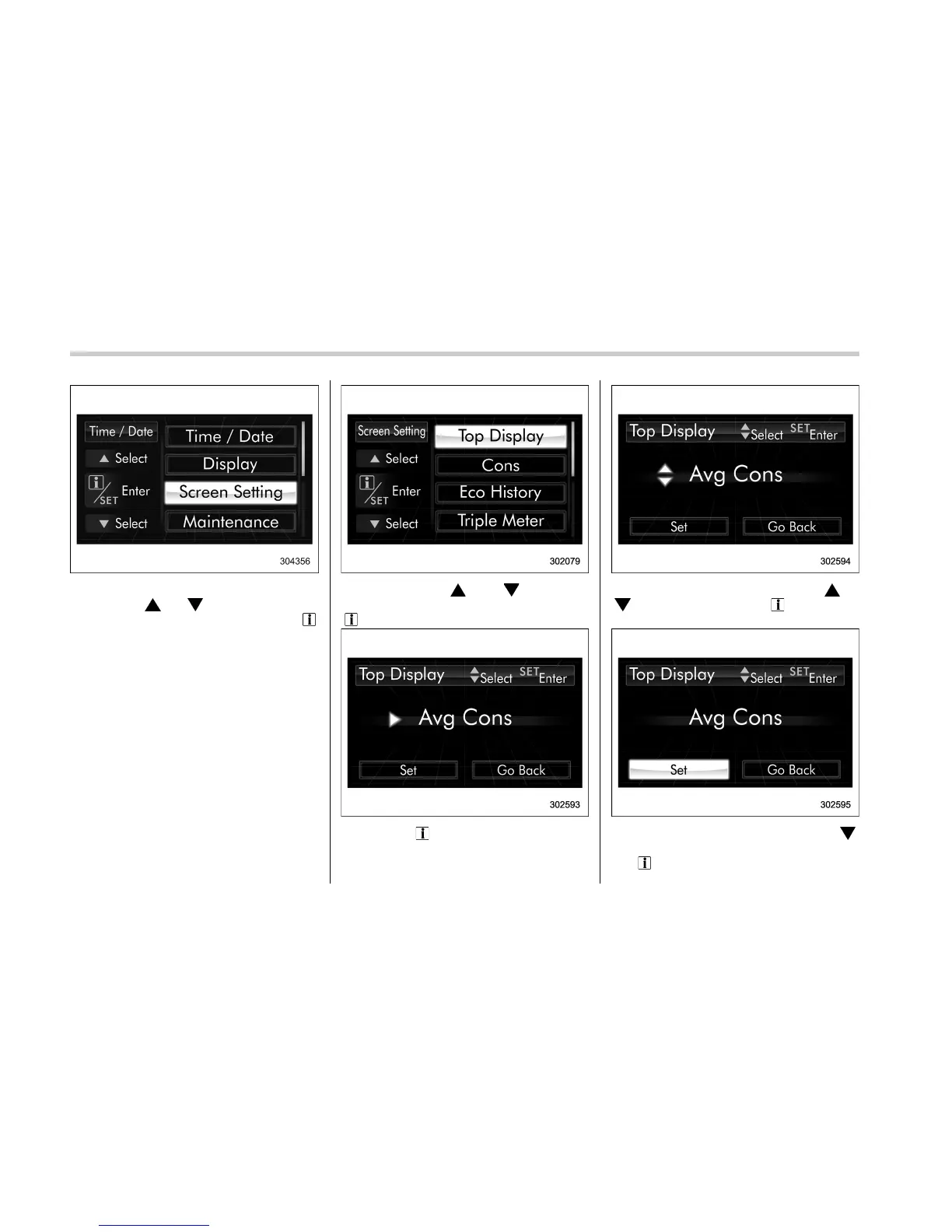
3. After the selection screen is displayed,
operate the “
” or “ ” switch to show the
“Screen Setting” item. Then, pull the “
/
SET” switch toward you.
! Top display setting
1. Perform the preparation steps accord-
ing to “Preparation for screen settings”
F3-59.
2. Operate the “ ” or “ ” switch to
select the “Top Display” item. Then pull the
“
/SET” switch toward you.
3. Pull the “ /SET” switch once more.
4. Select an item by operating the “ ” or
“
” switch. Then pull the “ /SET” switch
toward you.
5. Select “Set” by operating the “ ”
switch, and confirm the setting by pulling
the “
/SET” switch toward you.
3-60















 To Next Page