Audio/Basic operation
Setting ranges
Item Step Default
Audio volume 0-40 15
Balance L9-R9 0 (Center)
Fader F9-R9 0 (Center)
Vocal Image Control
Left/Right: R9-L9
Front/Rear: R9-F9
Left/Right: R3
Front/Rear: 0 (Center)
Speed Volume Control OFF, Low, High Low
Graphic Equalizer, SET1-3 −6-+6 0 (Flat)
Sound Restorer ON, OFF ON
Volume Smoother OFF, Low, Mid, High Mid
Virtual Bass OFF, Low, Mid, High
Mid
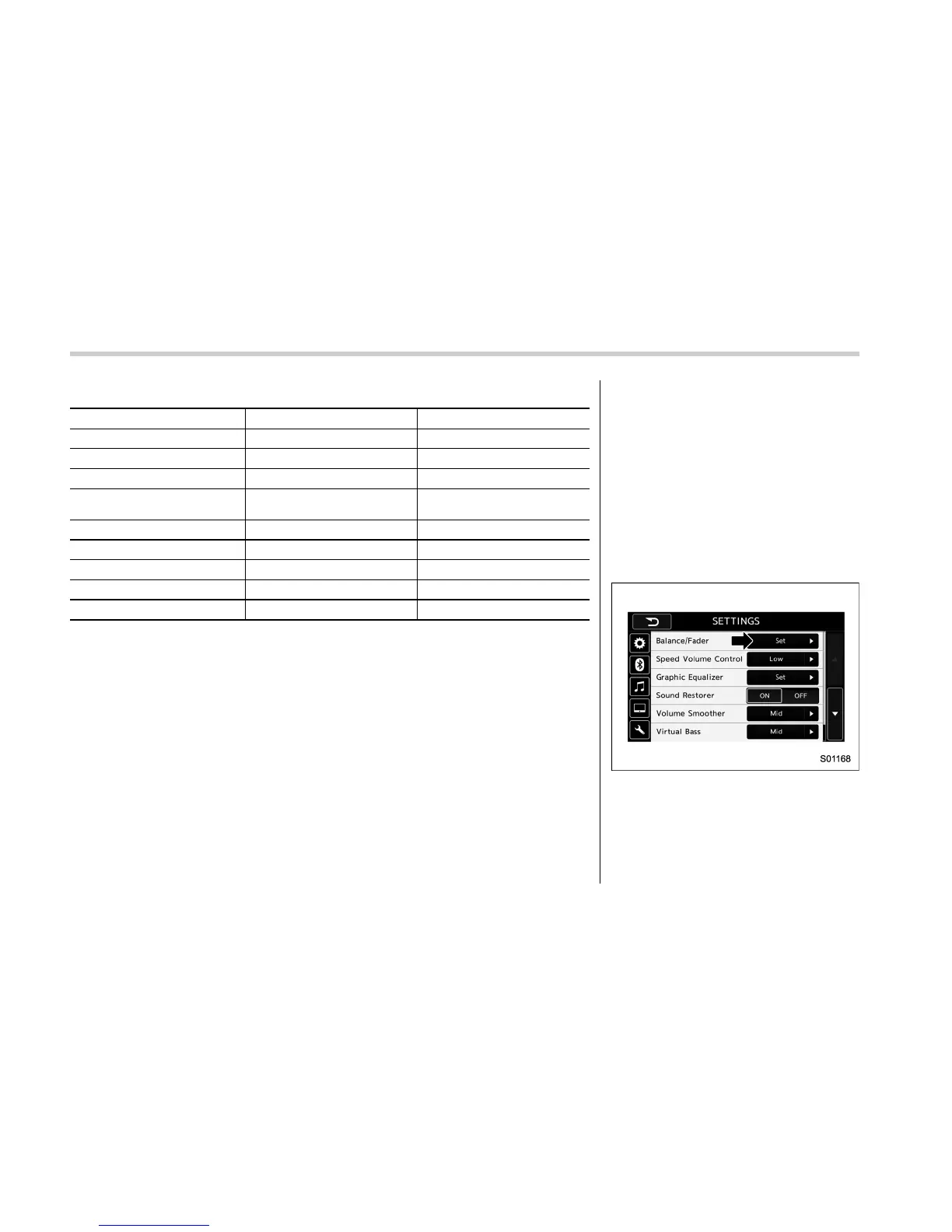
! “Balance/Fader”
A good balance of the left and right stereo
channels and of the front and rear sound
levels is important for good quality audio
program listening.
Keep in mind that when listening to a
stereo recording or broadcast, changing
the ri ght/left balance will increase the
volume of 1 group of sounds while
decreasing the volume of another.
1. Touch the “Set” button of the Balance/
Fader function.
2. Select the “Volume Balance Control”
menu.
5-14















 To Next Page