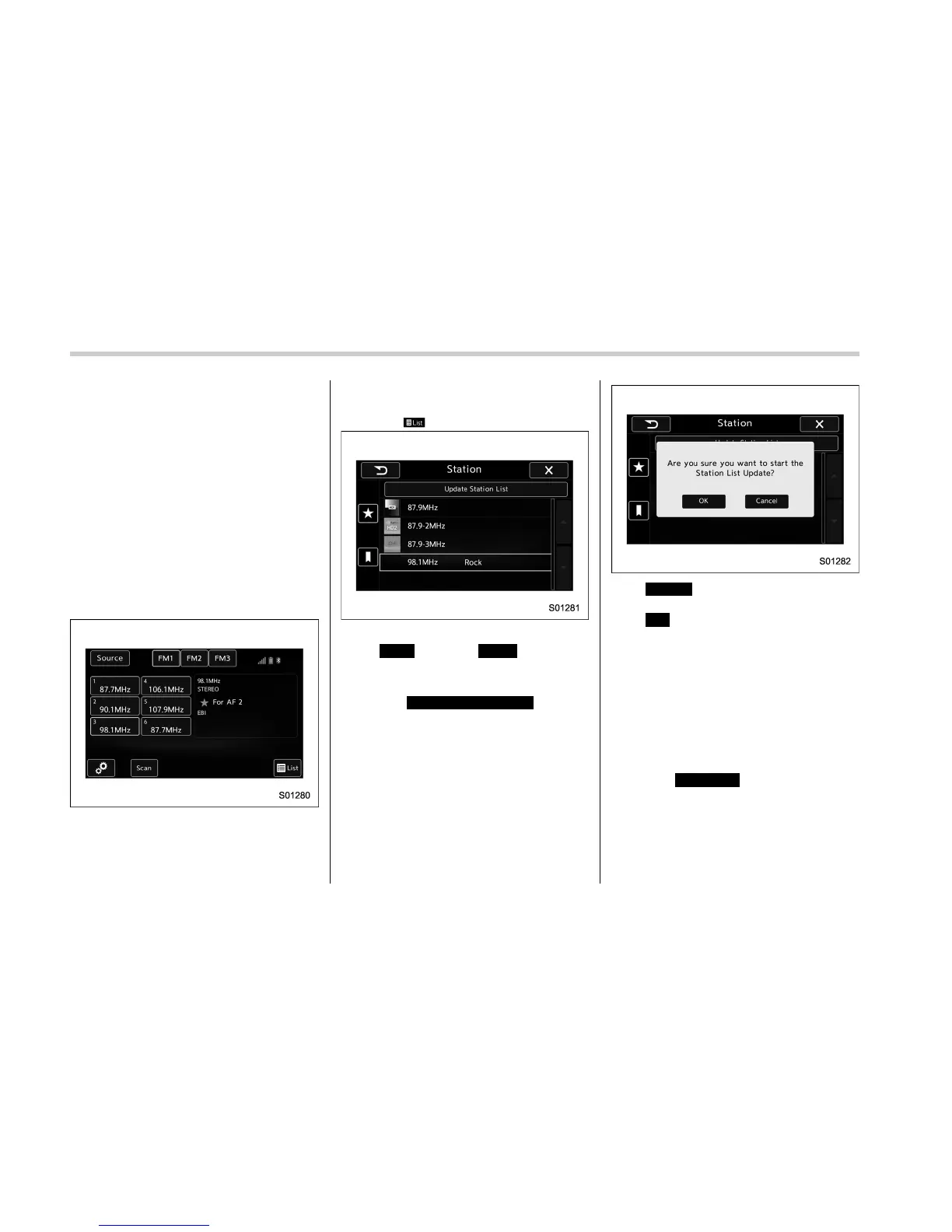
Audio/Radio operation
! Presetting a station
The AM band can store up to 12 stations
(AM1 and AM2, 6 stations each).
The FM band can store up to 18 stations
(FM1, FM2 and FM3, 6 stations each).
. AM2andFM3canstoreupto6
stations when performing the auto store
function.
The SAT band can store up to 30 stations.
Refer to “Presetting a channel” F5-47.
1. Tune in the desired station.
2. If you press a key for more than 1.5
seconds, the system stores the frequency
to the selected preset channel.
. To change the preset station to a
different one, select and hold the
preset station.
! Selecting a station from the list
A station list can be displayed.
1. Select
.
2. Select the desired station and then
select
Back
(Back) or
Close
(Close).
! Update the station list
1. Select
Update Station List
(Update
Station List) on the station list screen and
the following screen will be displayed.
.
Cancel
(Cancel): Select to cancel
the manual update.
.
OK
(OK): Select to execute the
manual update.
NOTE
. The audio system sound is muted
during refresh operation.
. In some situations, it may take some
time to update the station list.
! Bookmark the list
1. Select
Bookmark
(Bookmark) on the
station list screen and the following screen
will be displayed.
5-36















 To Next Page