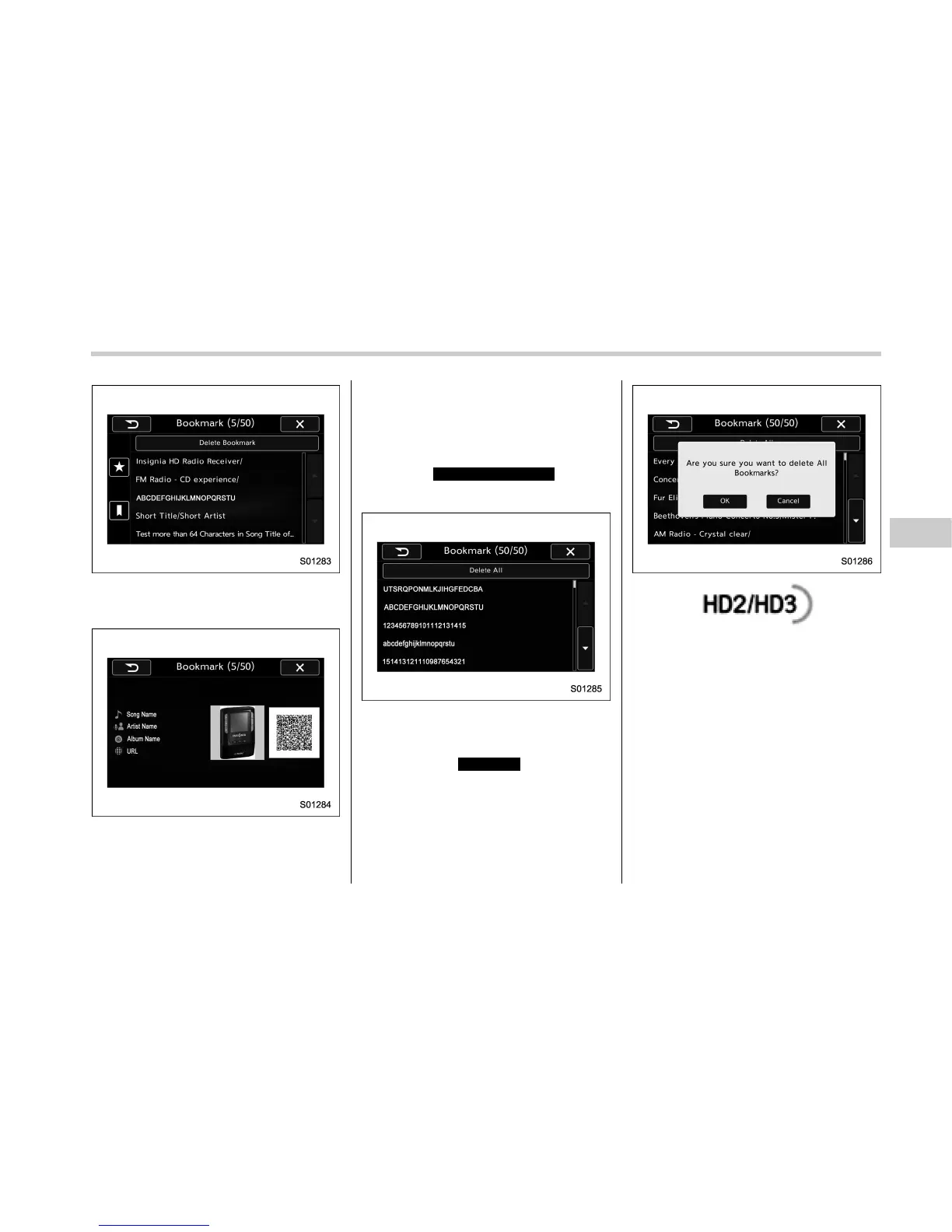
2. If you select an item from the book-
mark list, the following image will be
displayed.
3. When you call up bookmark informa-
tion, a QR code converted from the
bookmark information will be displayed
on the screen. You can access a URL by
reading the QR code using a smartphone,
etc.
! Delete bookmark from the list
1. Select
Delete Bookmark
(Delete
Bookmark) on the station list screen and
the following screen will be displayed.
2. If you select an item from the book-
mark list, the item will be deleted from the
bookmark list.
3. If you select
Delete All
(Delete All), all
bookmark items in the bookmark list will
be deleted.
. FM stations can provide additional
digital-only audio programming on HD2/
HD3 Channels.
! Radio broadcast data system
This audio system is equipped with Radio
Broadcast Data Systems (RBDS). RBDS
mode allows text messages to be received
from radio stations that utilize RBDS
transmitters.
When RBDS is on, the radio can
. only select stations of a particular
program type,
. display messages from radio stations,
. search for a stronger signal station.
Audio/Radio operation
– CONTINUED –
5-37















 To Next Page