Black plate (205,1)
一般Model "A8140GE-A" EDITED: 2007/ 12/ 13
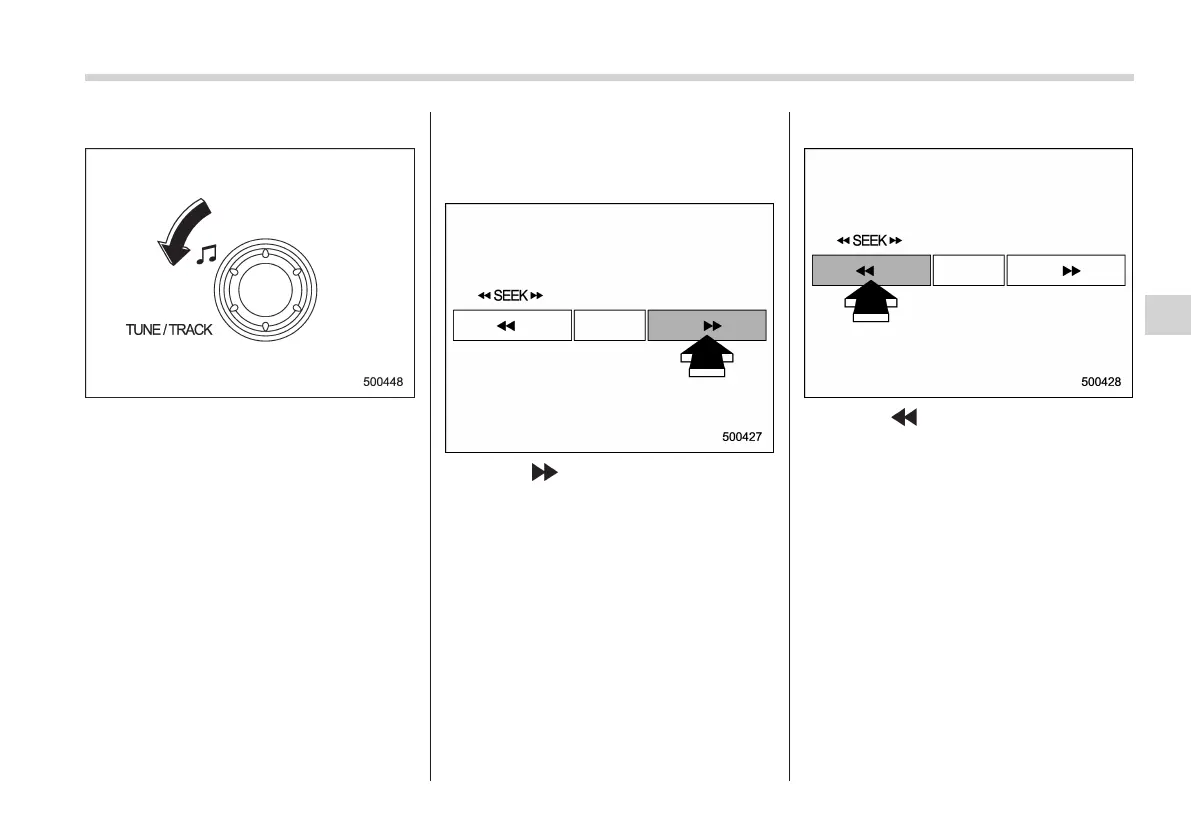
! Backward direction
Turn the “TRACK” dial counterclockwise
to skip to the beginning of the current
track/file (track). Each time the dial is
turned, the indicated track/file (track)
number will decrease.
NOTE
In an MP3 or WMA folder, skipping past
the first track/file (track) will take you to
the last track/file (track) in the folder.
& Fast-forwarding and fast-re-
versing
! Fast-forwarding
Press the “ ” side of the “SEEK” button
continuously to fast-forward the disc/
folder.
Release the button to stop fast-forwarding.
NOTE
If you fast-forward to the end of the last
track/file (track), fast-forwarding will
stop and the player will start playback
beginning with t he first track/fi le
(track).
! Fast-reversing
Press the “ ” side of the “SEEK” button
continuously to fast-reverse the disc/
folder.
Release the button to stop fast-reversing.
NOTE
If you fast-reverse to the beginning of
the first track/file (track), fast-reversing
will stop and the player will start play-
back.
Audio 5-17
– CONTINUED –
5

















 To Next Page