SunFounder PiCar-X Kit
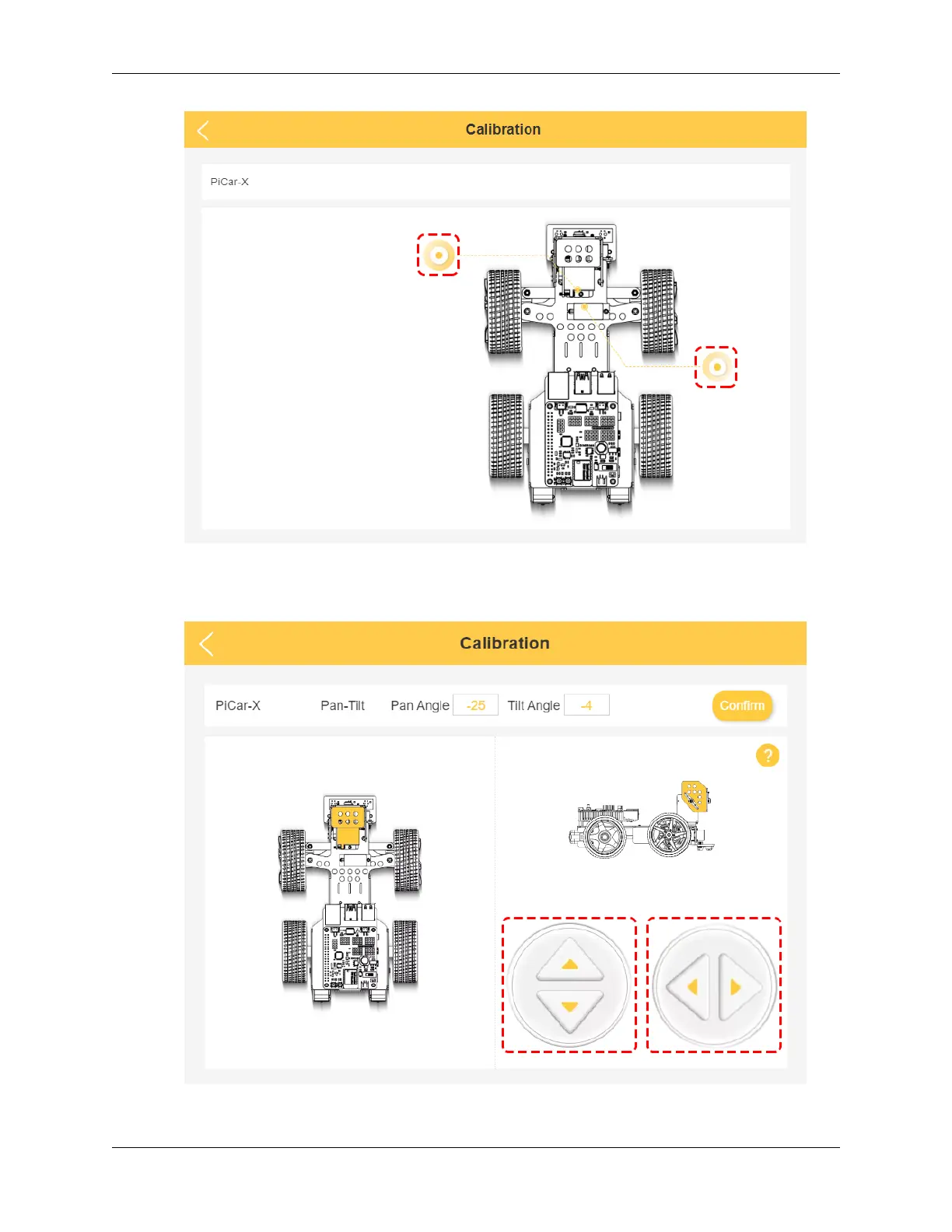
2. Click on the left prompt point to calibrate the PiCar-X’s Pan-Tilt(the camera part). By using the two sets of
buttons on the right, you can slowly adjust the Pan-Tilt’s orientation, as well as view their angles. When the
adjustment is complete, click on Confirm.
3. To calibrate the front wheel orientation, click on the right prompt point. Use the two buttons on the right to get
114 Chapter 6. Play with Ezblock



 To Next Page