SunFounder PiCar-X Kit
4.1.3 3. Power Supply for Raspberry Pi (Important)
Charge
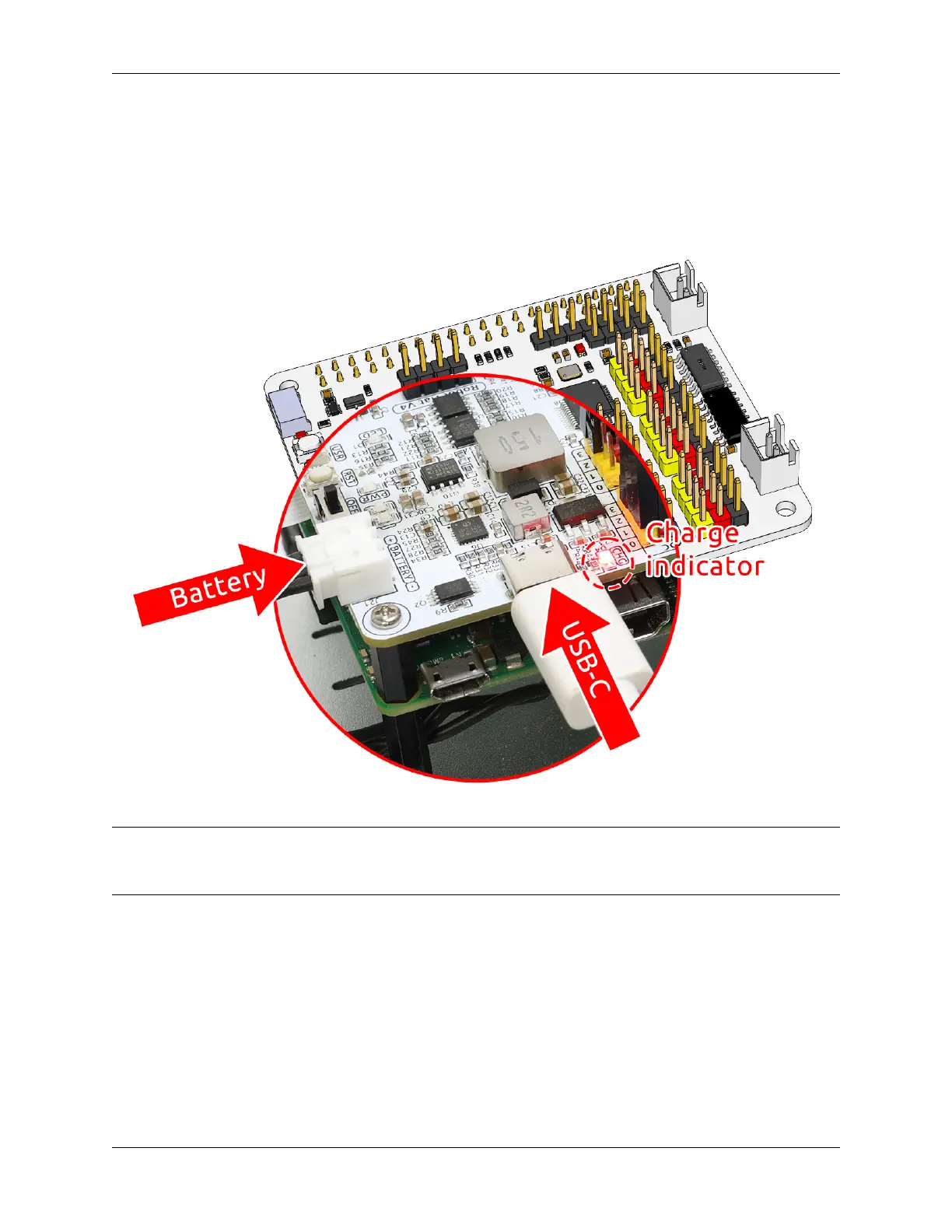
Insert the battery cable. Next, insert the USB-C cable to charge the battery. You will need to provide your own charger;
we recommend a 5V 3A charger, or your commonly used smartphone charger will suffice.
Note: Connect an external Type-C power source to the Type-C port on the robot hat; it will immediately start charging
the battery, and a red indicator light will illuminate.When the battery is fully charged, the red light will automatically
turn off.
4.1. Quick Guide on Python 23



 To Next Page