SunFounder PiCar-X Kit
• Special Discounts: Enjoy exclusive discounts on our newest products.
• Festive Promotions and Giveaways: Take part in giveaways and holiday promotions.
Ready to explore and create with us? Click [] and join today!
4.1.7 7. Servo Adjust(Important)
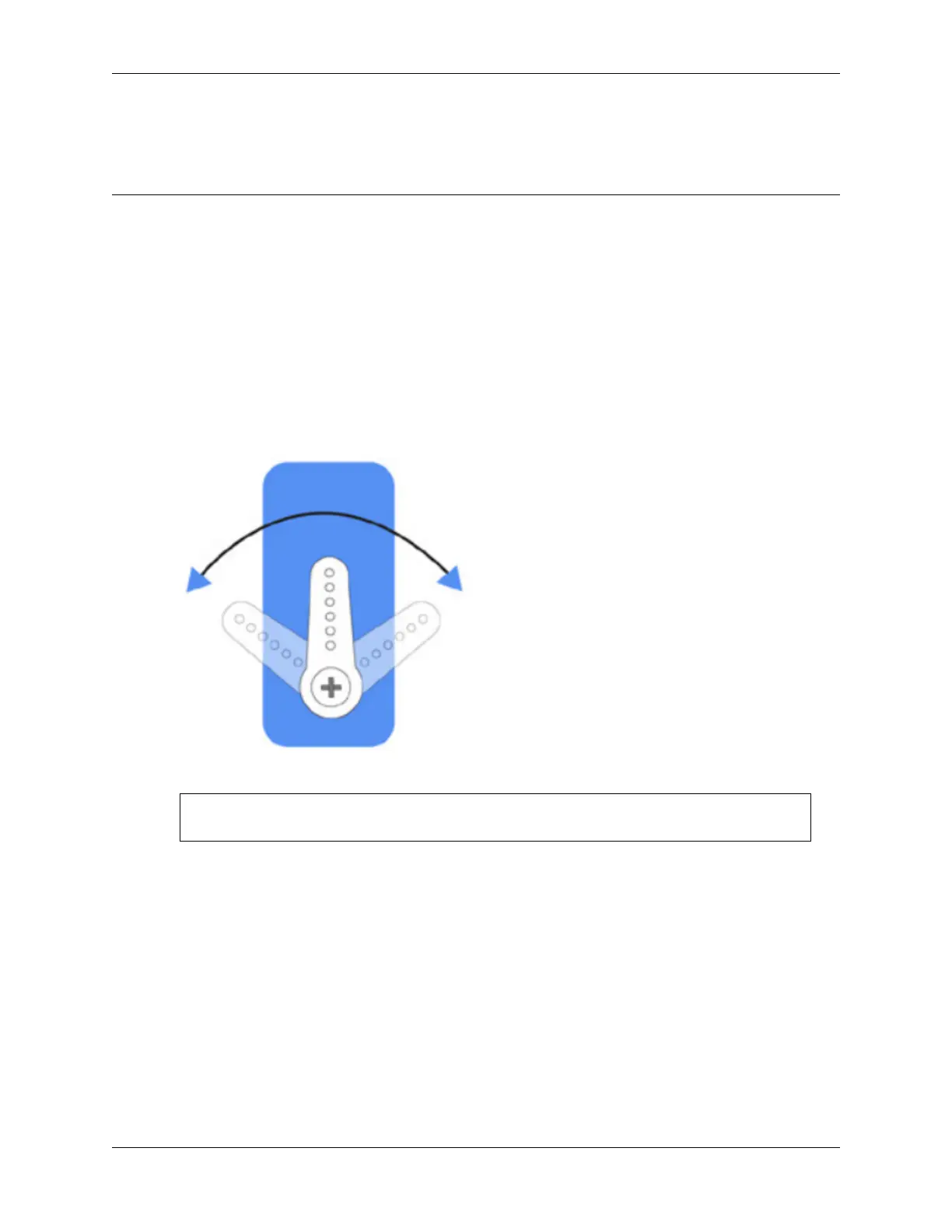
The angle range of the servo is -90~90, but the angle set at the factory is random, maybe 0°, maybe 45°; if we assemble
it with such an angle directly, it will lead to a chaotic state after the robot runs the code, or worse, it will cause the servo
to block and burn out.
So here we need to set all the servo angles to 0° and then install them, so that the servo angle is in the middle, no matter
which direction to turn.
1. To ensure that the servo has been properly set to 0°, first insert the servo arm into the servo shaft and then gently
rotate the rocker arm to a different angle. This servo arm is just to allow you to clearly see that the servo is
rotating.
2. Now, run servo_zeroing.py in the example/ folder.
cd ~/picar-x/example
sudo python3 servo_zeroing.py
3. Next, plug the servo cable into the P11 port as follows, at the same time you will see the servo arm rotate to a
position(This is the 0° position, which is a random location and may not be vertical or parallel.).
40 Chapter 4. Play with Python



 To Next Page