SunFounder PiCar-X Kit
• Learn & Share: Exchange tips and tutorials to enhance your skills.
• Exclusive Previews: Get early access to new product announcements and sneak peeks.
• Special Discounts: Enjoy exclusive discounts on our newest products.
• Festive Promotions and Giveaways: Take part in giveaways and holiday promotions.
Ready to explore and create with us? Click [] and join today!
4.13 11. Video Car
This program will provide a First Person View from the PiCar-X! Use the keyboards WSAD keys to control the direction
of movement, and the O and P to adjust the speed.
Run the Code
cd ~/picar-x/example
sudo python3 11.video_car.py
Once the code is running, you can see what PiCar-X is shooting and control it by pressing the following keys.
• O: speed up
• P: speed down
• W: forward
• S: backward
• A: turn left
• D: turn right
• F: stop
• T: take photo
• Ctrl+C: quit
View the Image
After the code runs, the terminal will display the following prompt:
No desktop !
* Serving Flask app "vilib.vilib" (lazy loading)
* Environment: production
WARNING: Do not use the development server in a production environment.
Use a production WSGI server instead.
* Debug mode: off
* Running on http://0.0.0.0:9000/ (Press CTRL+C to quit)
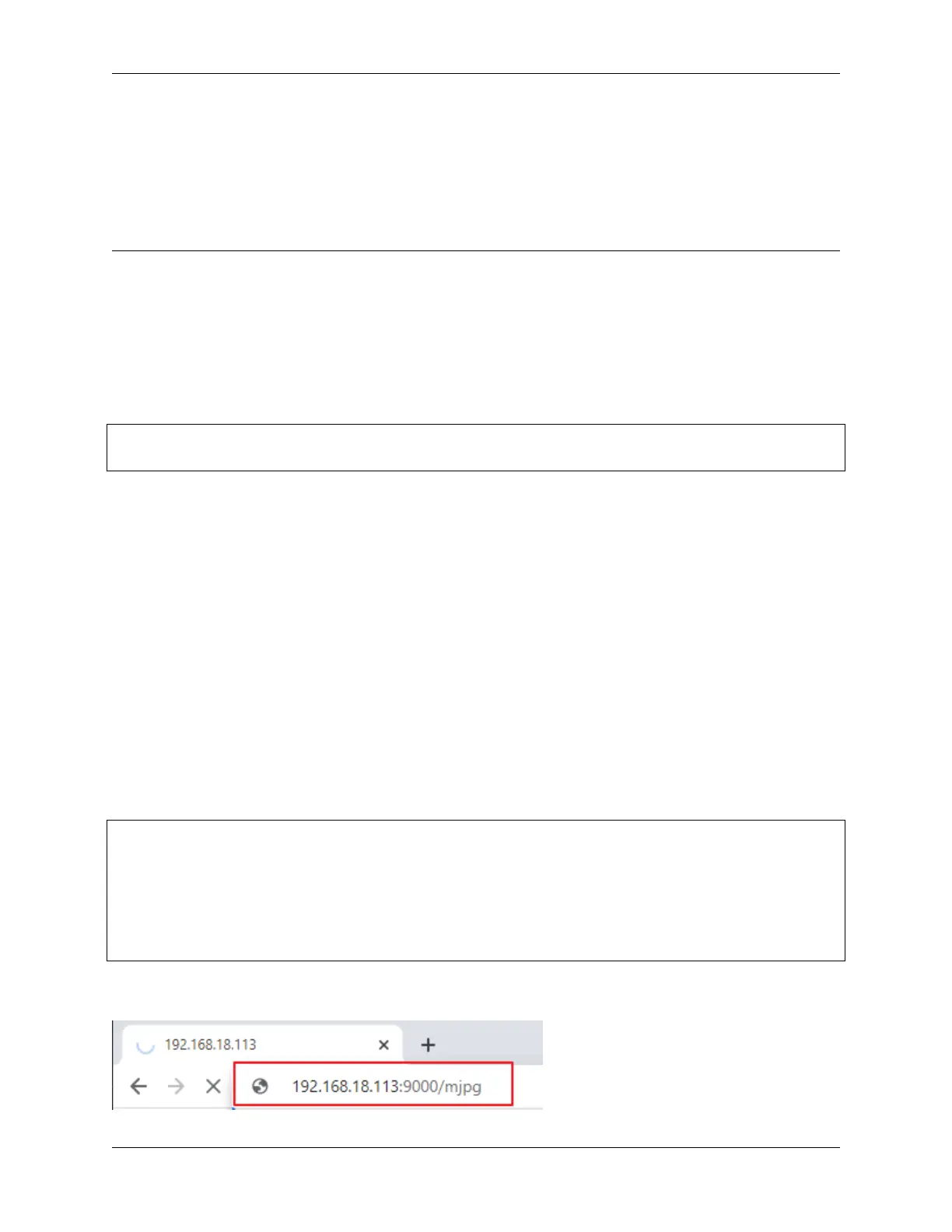
Then you can enter http://<your IP>:9000/mjpg in the browser to view the video screen. such as: https://
192.168.18.113:9000/mjpg
80 Chapter 4. Play with Python



 To Next Page