SunFounder PiCar-X Kit
Note: Hello, welcome to the SunFounder Raspberry Pi & Arduino & ESP32 Enthusiasts Community on Facebook!
Dive deeper into Raspberry Pi, Arduino, and ESP32 with fellow enthusiasts.
Why Join?
• Expert Support: Solve post-sale issues and technical challenges with help from our community and team.
• Learn & Share: Exchange tips and tutorials to enhance your skills.
• Exclusive Previews: Get early access to new product announcements and sneak peeks.
• Special Discounts: Enjoy exclusive discounts on our newest products.
• Festive Promotions and Giveaways: Take part in giveaways and holiday promotions.
Ready to explore and create with us? Click [] and join today!
4.11 9. Record Video
This example will guide you how to use the recording function.
Run the Code
cd ~/picar-x/example
sudo python3 9.record_video.py
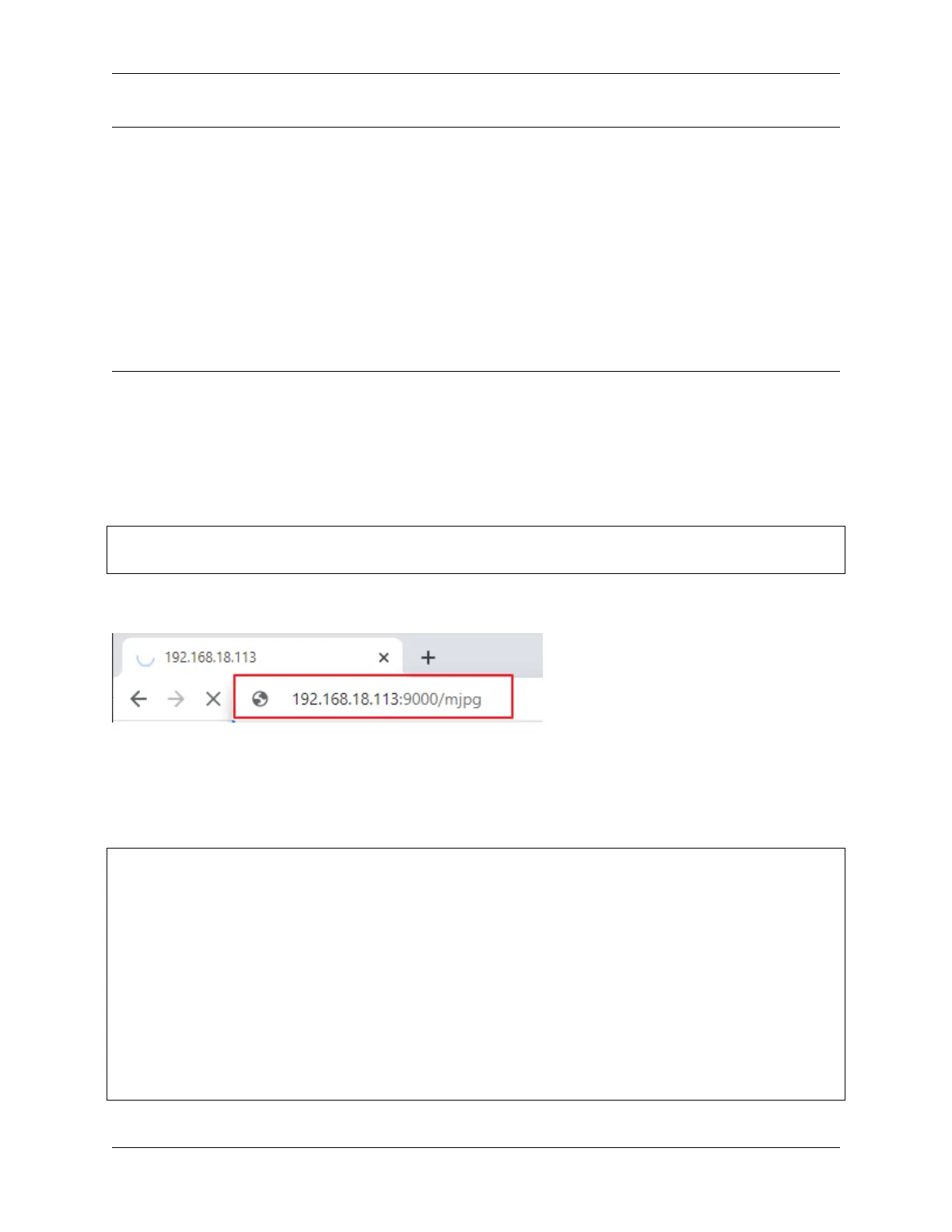
After the code runs, you can enter http://<your IP>:9000/mjpg in the browser to view the video screen. such as:
http://192.168.18.113:9000/mjpg
Recording can be stopped or started by pressing the keys on the keyboard.
• Press q to begin recording or pause/continue, e to stop recording or save.
• If you want to exit the program, press ctrl+c.
Code
from time import sleep,strftime,localtime
from vilib import Vilib
import readchar
import os
manual = '''
Press keys on keyboard to control recording:
Q: record/pause/continue
E: stop
Ctrl + C: Quit
'''
def print_overwrite(msg, end='', flush=True):
(continues on next page)
4.11. 9. Record Video 75



 To Next Page