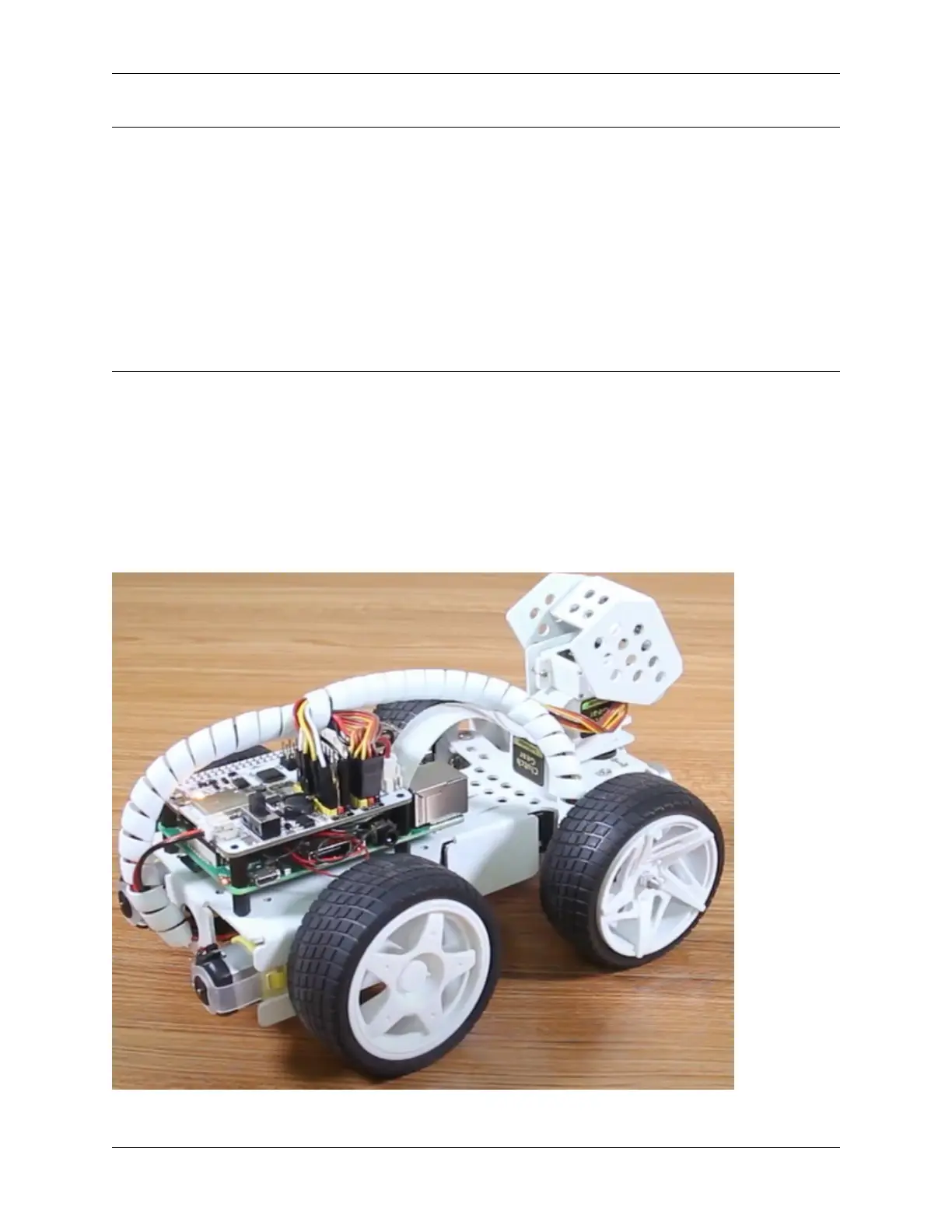
SunFounder PiCar-X Kit
Note: Hello, welcome to the SunFounder Raspberry Pi & Arduino & ESP32 Enthusiasts Community on Facebook!
Dive deeper into Raspberry Pi, Arduino, and ESP32 with fellow enthusiasts.
Why Join?
• Expert Support: Solve post-sale issues and technical challenges with help from our community and team.
• Learn & Share: Exchange tips and tutorials to enhance your skills.
• Exclusive Previews: Get early access to new product announcements and sneak peeks.
• Special Discounts: Enjoy exclusive discounts on our newest products.
• Festive Promotions and Giveaways: Take part in giveaways and holiday promotions.
Ready to explore and create with us? Click [] and join today!
6.4 Move
This first project teaches how to program movement actions for the PiCar-X. In this project, the program will tell the
PiCar-X to execute five actions in order: “forward”, “backward”, “turn left”, “turn right”, and “stop”.
To learn the basic usage of Ezblock Studio, please read through the following two sections:
• How to Create a New Project?
TIPS
116 Chapter 6. Play with Ezblock



 To Next Page