SunFounder PiCar-X Kit
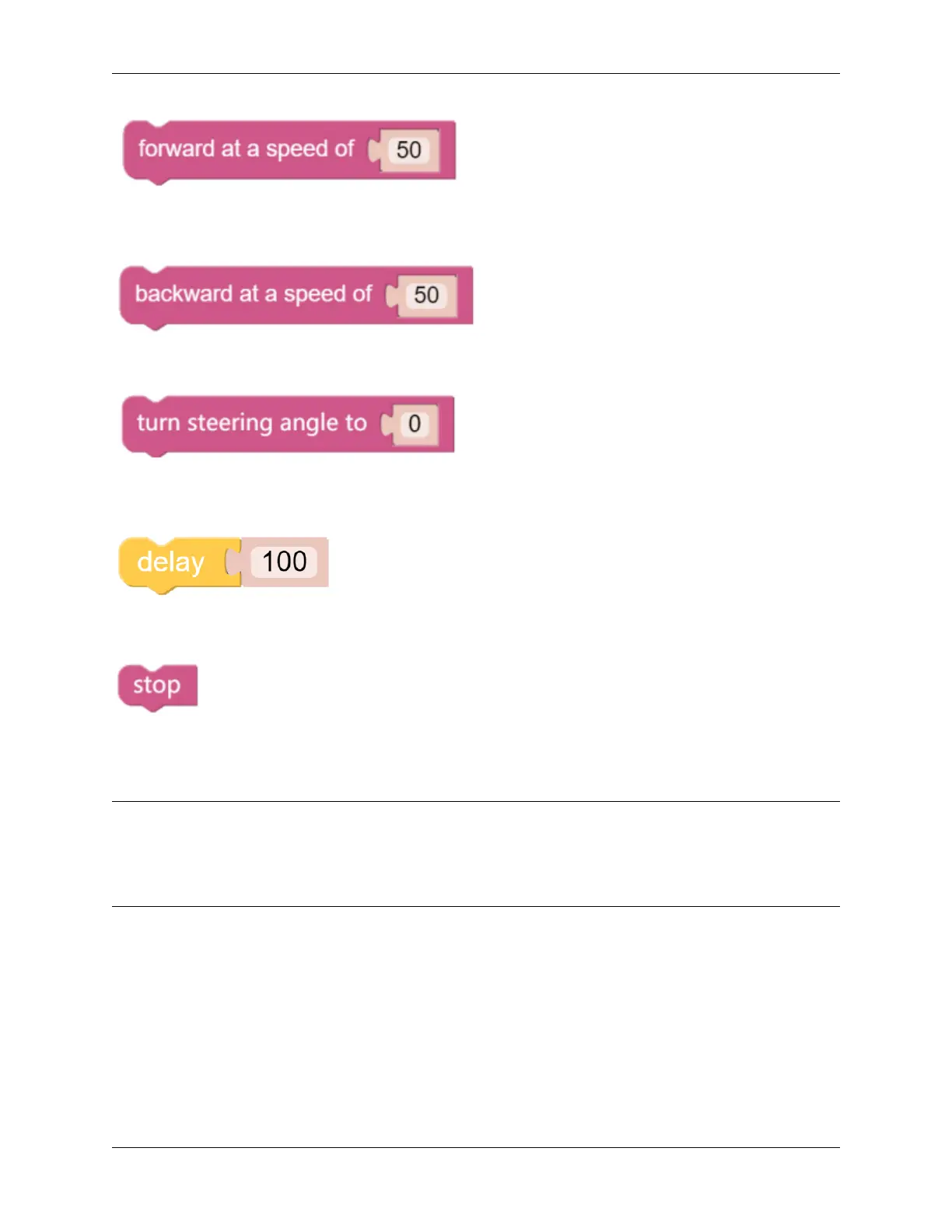
This block will make the PiCar-X move forward at a speed based on a percentage of available power. In the example
below “50” is 50% of power, or half-speed.
This block will make the PiCar-X move backward at a speed based on a percentage of available power.
This block adjusts the orientation of the front wheels. The range is “-45” to ”45”. In the example below, “-30” means
the wheels will turn 30° to the left.
This block will cause a timed break between commands, based on milliseconds. In the example below, the PiCar-X
will wait for 1 second (1000 milliseconds) before executing the next command.
This block will bring the PiCar-X to a complete stop.
EXAMPLE
Note:
• You can write the program according to the following picture, please refer to the tutorial: How to Create a New
Project?.
• Or find the code with the same name on the Examples page of the EzBlock Studio and click Run or Edit directly.
6.4. Move 117



 To Next Page