SunFounder PiCar-X Kit
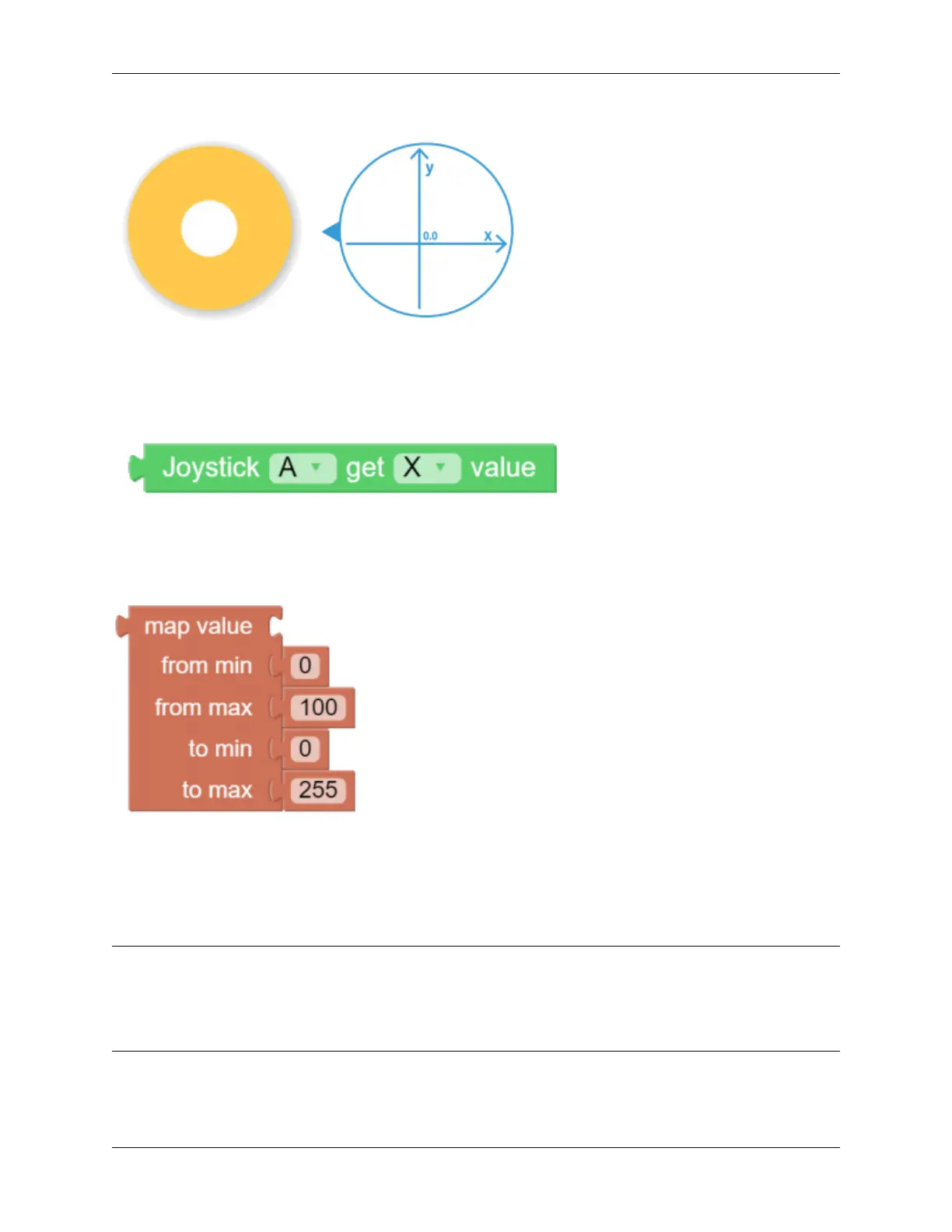
Drag a Joystick to the central area of the Remote Control page. Toggling the white point in the center, and gently
dragging in any direction will produce an (X,Y) coordinate. The range of the X-axis or Y-axis is defaulted to “-100”
to “100”. Toggling the white point and dragging it directly to the far left of the Joystick will result in an X value of
“-100” and a Y value of “0”.
After dragging and dropping a widget on the remote control page, a new category-Remote with the above block will
appear. This block reads the Joystick value in the Remote Control page. You can click the drop-down menu to switch
to the Y-axis reading.
The map value block can remap a number from one range to another. If the range is set to 0 to 100, and the map value
number is 50, then it is at a 50% position of the range, or “50”. If the range is set to 0 to 255 and the map value number
is 50, then it is at a 50% position of the range, or “127.5”.
EXAMPLE
Note:
• You can write the program according to the following picture, please refer to the tutorial: How to Create a New
Project?.
• Or find the code with the same name on the Examples page of the EzBlock Studio and click Run or Edit directly.
120 Chapter 6. Play with Ezblock



 To Next Page