SunFounder PiCar-X Kit
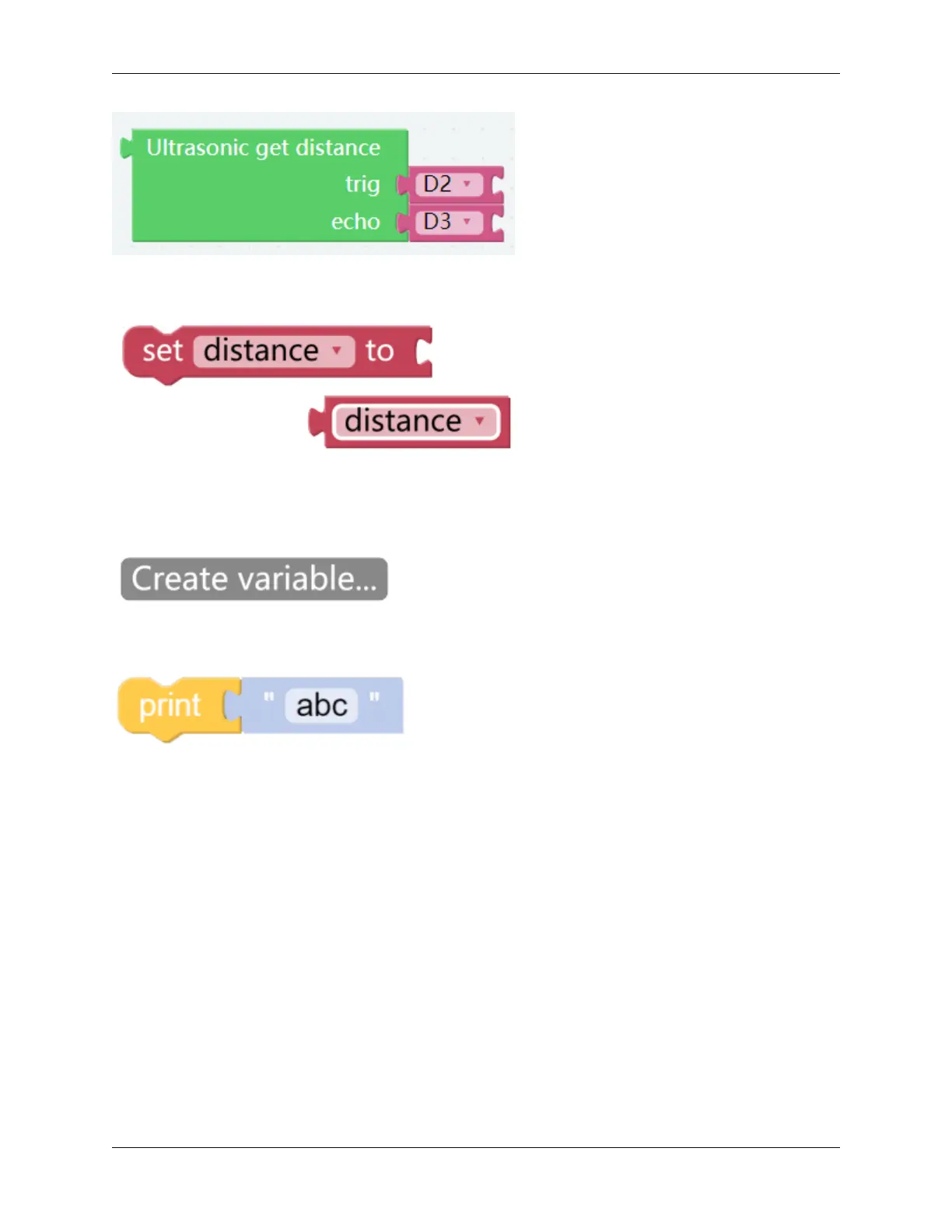
The Ultrasonic get distance block will read the distance from the PiCar-X to an obstacle directly ahead.
This program is simplified with a Variable. For example, when there are multiple functions in a program that each
need to use the distance to an obstacle, a Variable can be used to report the same distance value to each function,
instead of each function reading the same value separately.
Click the Create variable.. . button on the Variables category, and use the drop-down arrow to select the variable
named “distance”.
The Print function can print data such as variables and text for easy debugging.
122 Chapter 6. Play with Ezblock



 To Next Page