SunFounder PiCar-X Kit
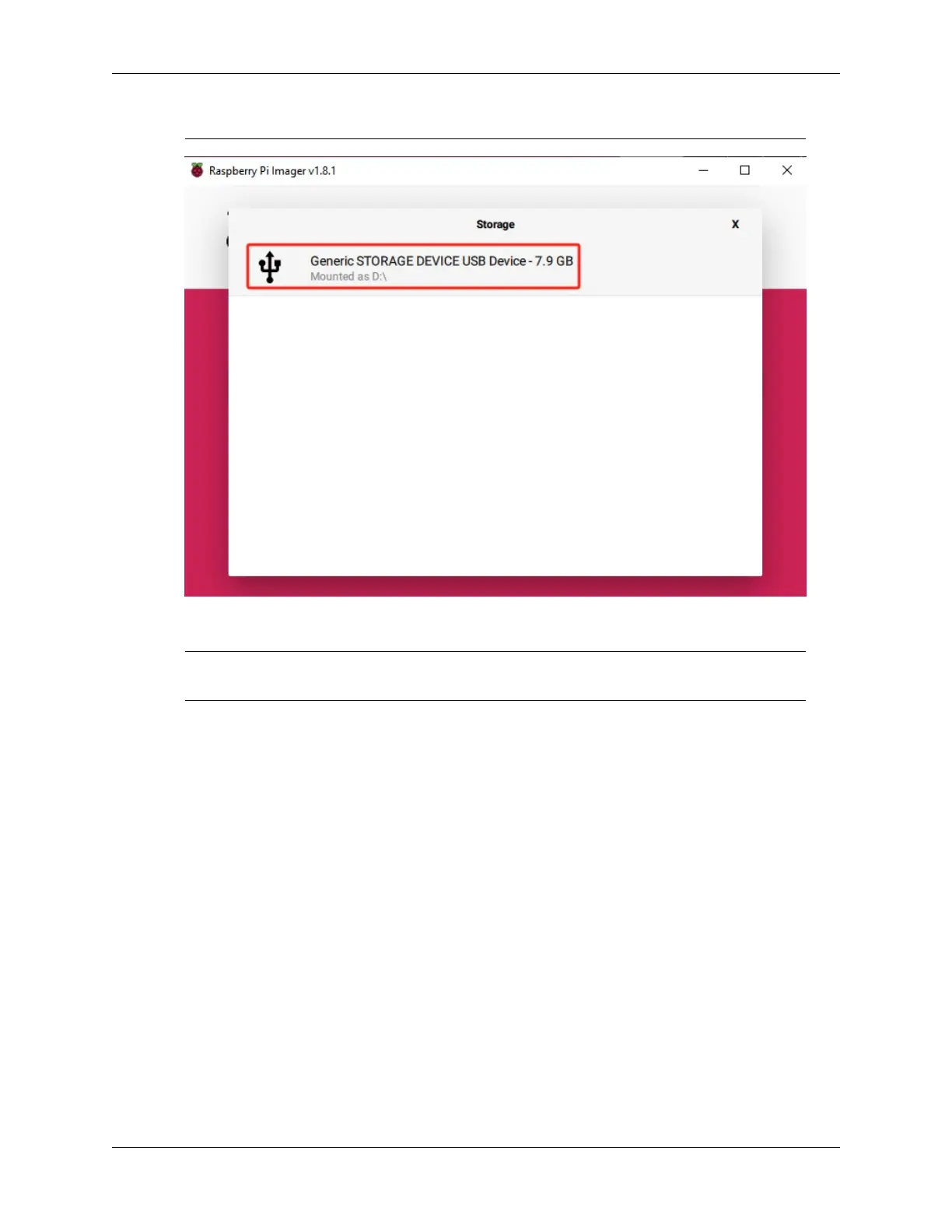
storage devices if multiple ones are connected.
5. Click NEXT and then EDIT SETTINGS to tailor your OS settings.
Note: If you have a monitor for your Raspberry Pi, you can skip the next steps and click ‘Yes’ to
begin the installation. Adjust other settings later on the monitor.
16 Chapter 4. Play with Python



 To Next Page