SunFounder PiCar-X Kit
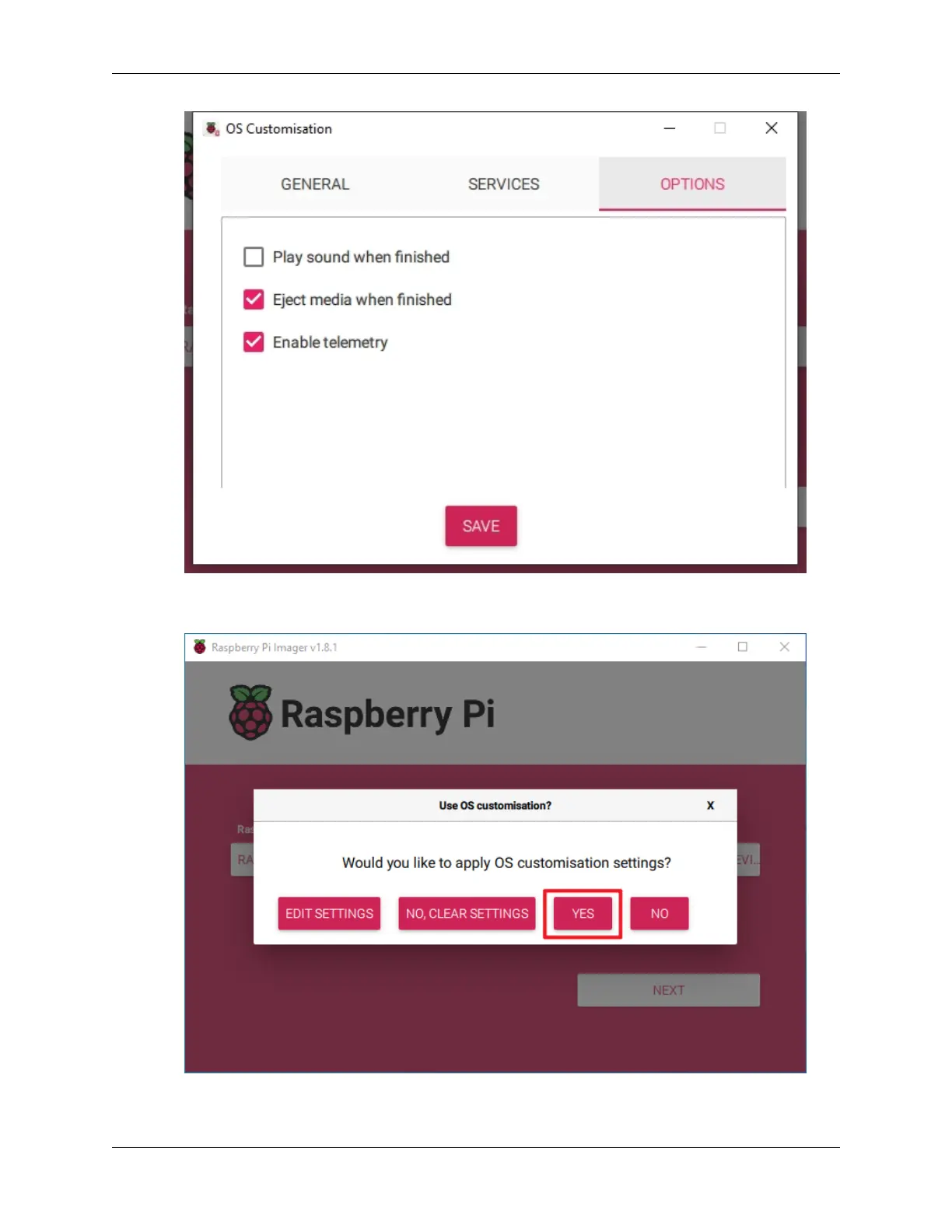
11. When you’ve finished entering OS customisation settings, click Save to save your customisation. Then, click
Yes to apply them when writing the image.
12. If the SD card contains existing data, ensure you back it up to prevent data loss. Proceed by clicking Yes if no
backup is needed.
20 Chapter 4. Play with Python



 To Next Page