SunFounder PiCar-X Kit
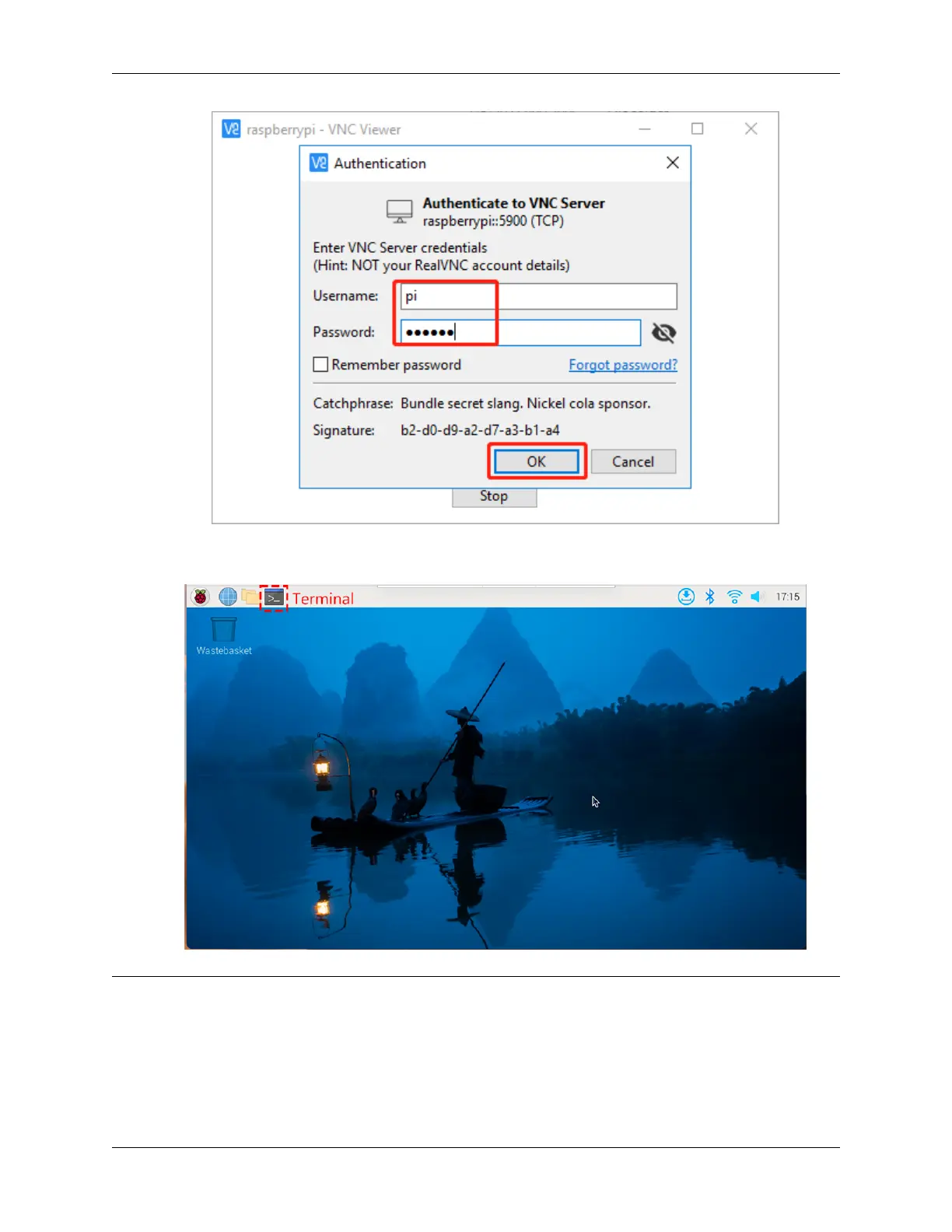
4. After a few seconds, the Raspberry Pi OS desktop will be displayed. Now you can open the Terminal to start
entering commands.
Note: Hello, welcome to the SunFounder Raspberry Pi & Arduino & ESP32 Enthusiasts Community on Facebook!
Dive deeper into Raspberry Pi, Arduino, and ESP32 with fellow enthusiasts.
Why Join?
• Expert Support: Solve post-sale issues and technical challenges with help from our community and team.
• Learn & Share: Exchange tips and tutorials to enhance your skills.
34 Chapter 4. Play with Python



 To Next Page