SunFounder PiCar-X Kit
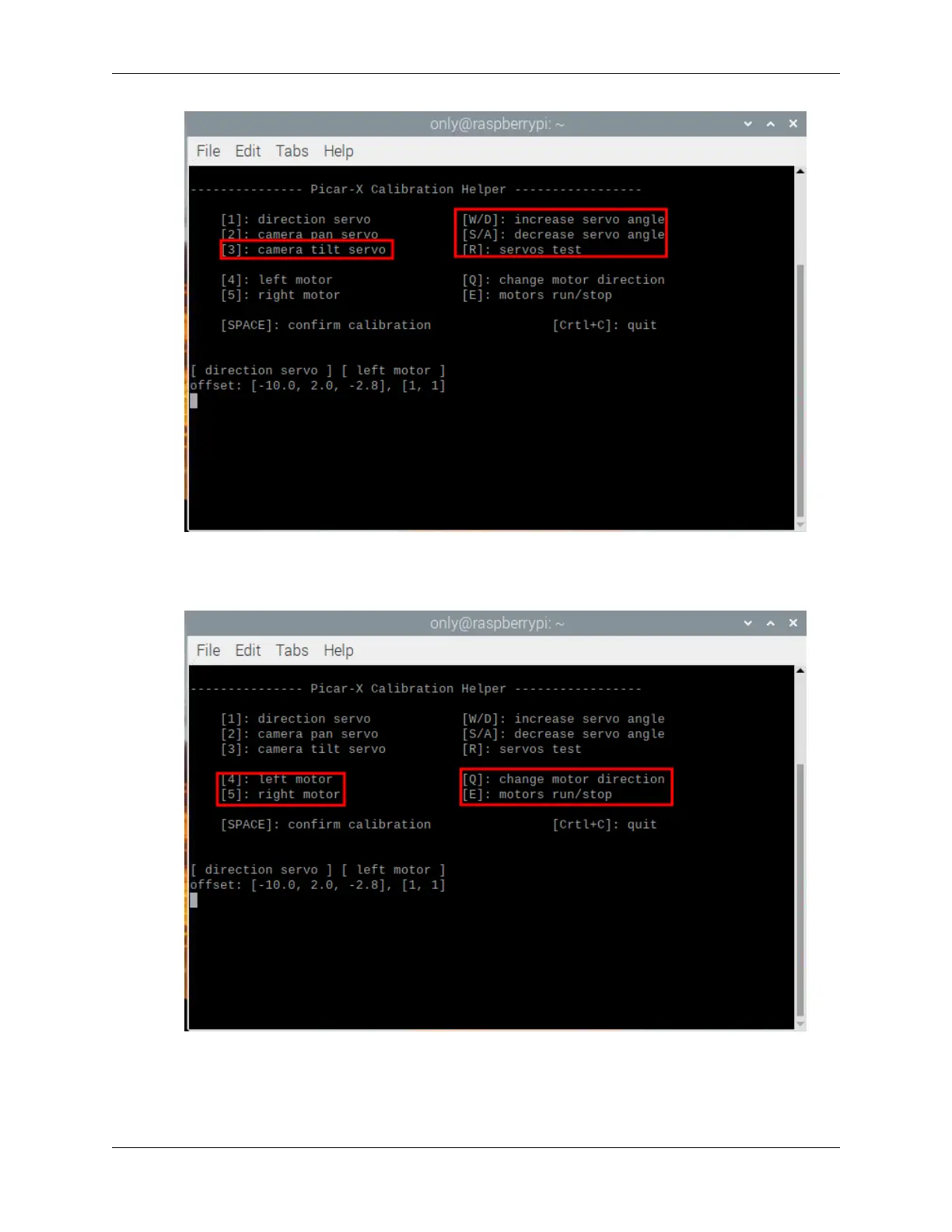
7. Since the wiring of the motors may be reversed during installation, you can press E to test whether the car can
move forward normally. If not, use the number keys 4 and 5 to select the left and right motors, then press the Q
key to calibrate the rotation direction.
8. When the calibration is completed, press the Spacebar to save the calibration parameters. There will be a prompt
to enter y to confirm, and then press Ctrl+C to exit the program to complete the calibration.
44 Chapter 4. Play with Python



 To Next Page