SunFounder PiCar-X Kit
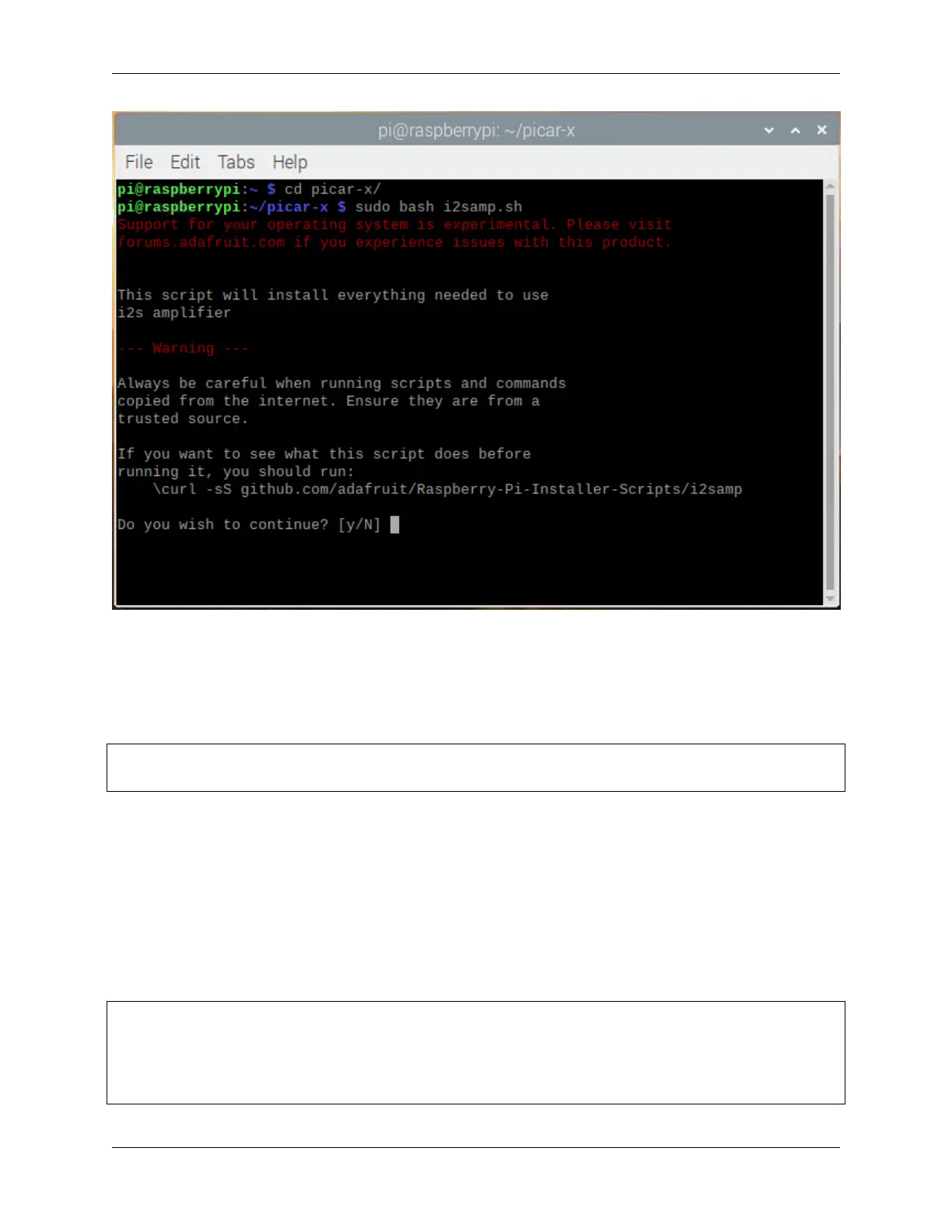
There will be several prompts asking to confirm the request. Respond to all prompts with a Y. After the changes have
been made to the Raspberry Pi system, the computer will need to reboot for these changes to take effect.
After rebooting, run the i2samp.sh script again to test the amplifier. If a sound successfully plays from the speaker,
the configuration is complete.
Run the Code
cd ~/picar-x/example
sudo python3 3.tts_example.py
After the code runs, please operate according to the prompt that printed on the terminal.
Input key to call the function!
• space: Play sound effect (Car horn)
• c: Play sound effect with threads
• t: Text to speak (Say Hello)
• q: Play/Stop Music
Code
from time import sleep
from robot_hat import Music,TTS
import readchar
music = Music()
(continues on next page)
4.5. 3. Text to Speech & Sound Effect 55



 To Next Page