SunFounder PiCar-X Kit
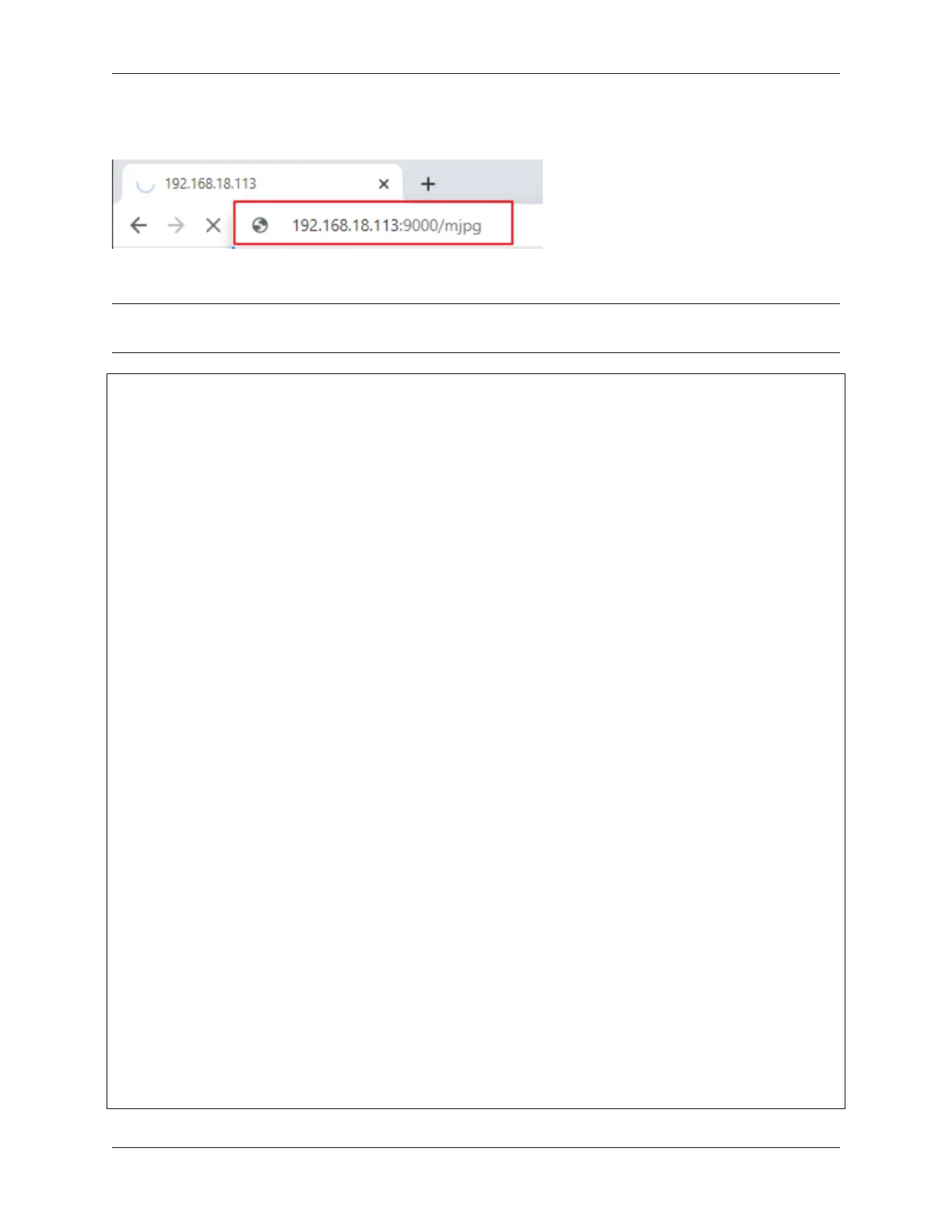
Then you can enter http://<your IP>:9000/mjpg in the browser to view the video screen. such as: https://
192.168.18.113:9000/mjpg
Code
Note: You can Modify/Reset/Copy/Run/Stop the code below. But before that, you need to go to source code path
like picar-x\examples. After modifying the code, you can run it directly to see the effect.
from picarx import Picarx
from time import sleep
from vilib import Vilib
px = Picarx()
def clamp_number(num,a,b):
return max(min(num, max(a, b)), min(a, b))
def main():
Vilib.camera_start()
Vilib.display()
Vilib.color_detect("red")
speed = 50
dir_angle=0
x_angle =0
y_angle =0
while True:
if Vilib.detect_obj_parameter['color_n']!=0:
coordinate_x = Vilib.detect_obj_parameter['color_x']
coordinate_y = Vilib.detect_obj_parameter['color_y']
# change the pan-tilt angle for track the object
x_angle +=(coordinate_x*10/640)-5
x_angle = clamp_number(x_angle,-35,35)
px.set_cam_pan_angle(x_angle)
y_angle -=(coordinate_y*10/480)-5
y_angle = clamp_number(y_angle,-35,35)
px.set_cam_tilt_angle(y_angle)
# move
# The movement direction will change slower than the pan/tilt direction
# change to avoid confusion when the picture changes at high speed.
if dir_angle > x_angle:
dir_angle -= 1
elif dir_angle < x_angle:
dir_angle += 1
px.set_dir_servo_angle(x_angle)
(continues on next page)
78 Chapter 4. Play with Python



 To Next Page