SunFounder PiCar-X Kit
cd ~/picar-x/example
sudo python3 13.app_control.py
3. Install SunFounder Controller from APP Store(iOS) or Google Play(Android).
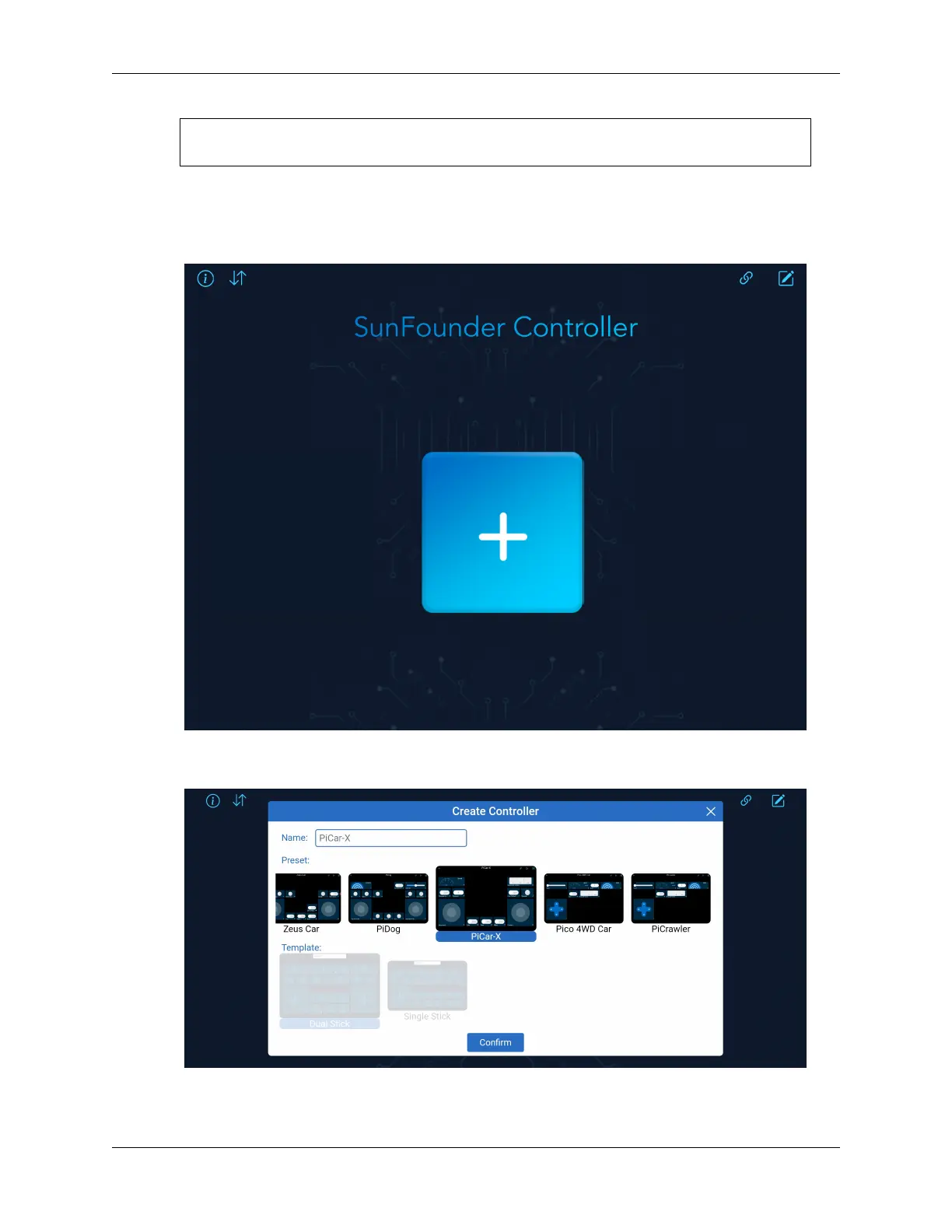
4. Open and create a new controller.
Create a new controller by clicking on the + sign in the SunFounder Controller APP.
There are preset controllers for some products in the Preset section, which you can use as needed.
Here, we select PiCar-X.
5. Connect to PiCar-x.
88 Chapter 4. Play with Python



 To Next Page