SunFounder PiCrawler Kit
4.12 Adjust Posture
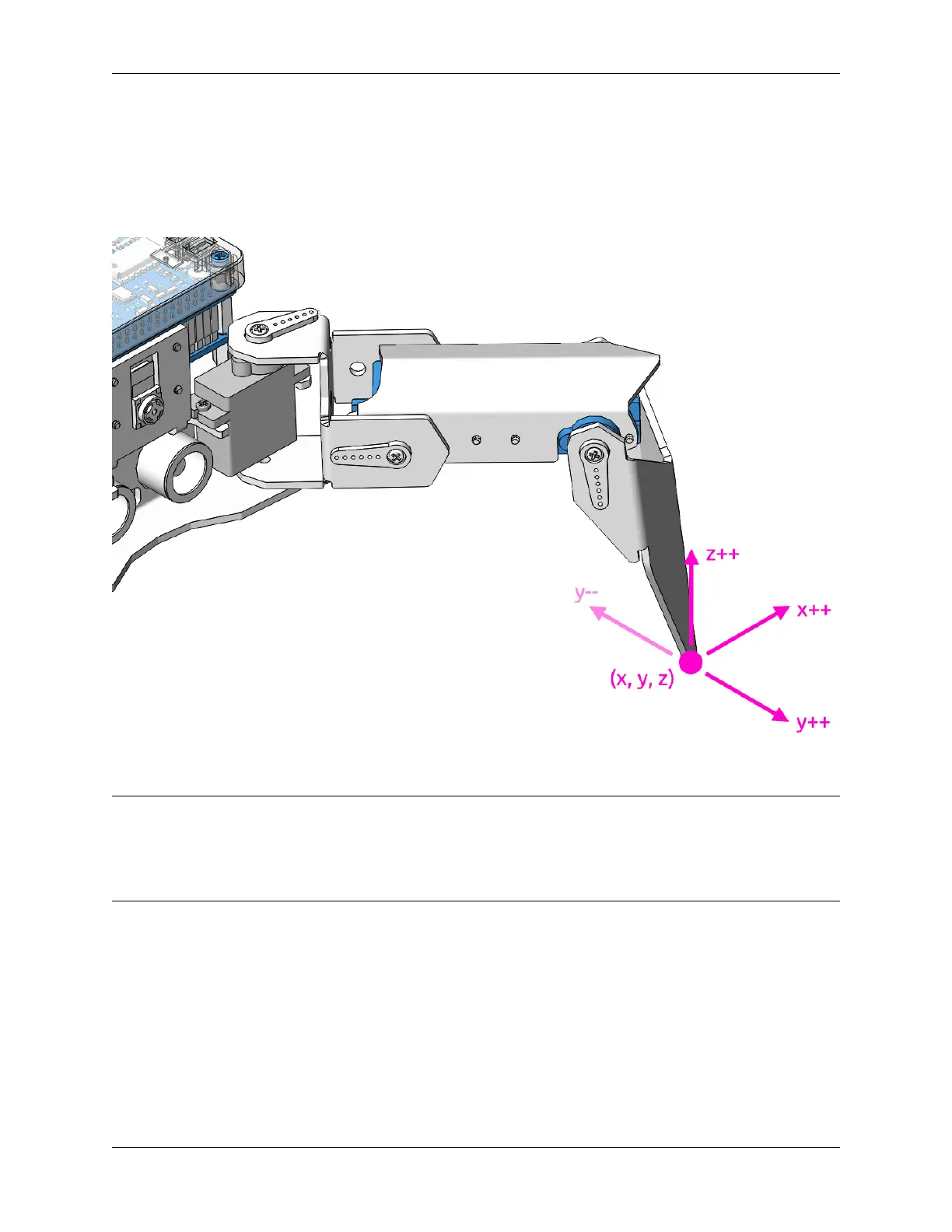
In this example, we use the remote function to control the PiCrawler foot by foot and assume the desired posture.
You can tap the button to print out the current coordinate values. These coordinate values come in handy when you
create unique actions for PiCrawler.
Program
Note:
• You can write the program according to the following picture, please refer to the tutorial: How to Create a New
Project?.
• Or find the code with the same name on the Examples page of the EzBlock Studio and click Run or Edit directly.
120 Chapter 4. Play with Ezblock



 To Next Page