SunFounder PiCrawler Kit
• Special Discounts: Enjoy exclusive discounts on our newest products.
• Festive Promotions and Giveaways: Take part in giveaways and holiday promotions.
Ready to explore and create with us? Click [] and join today!
4.5 Remote Control
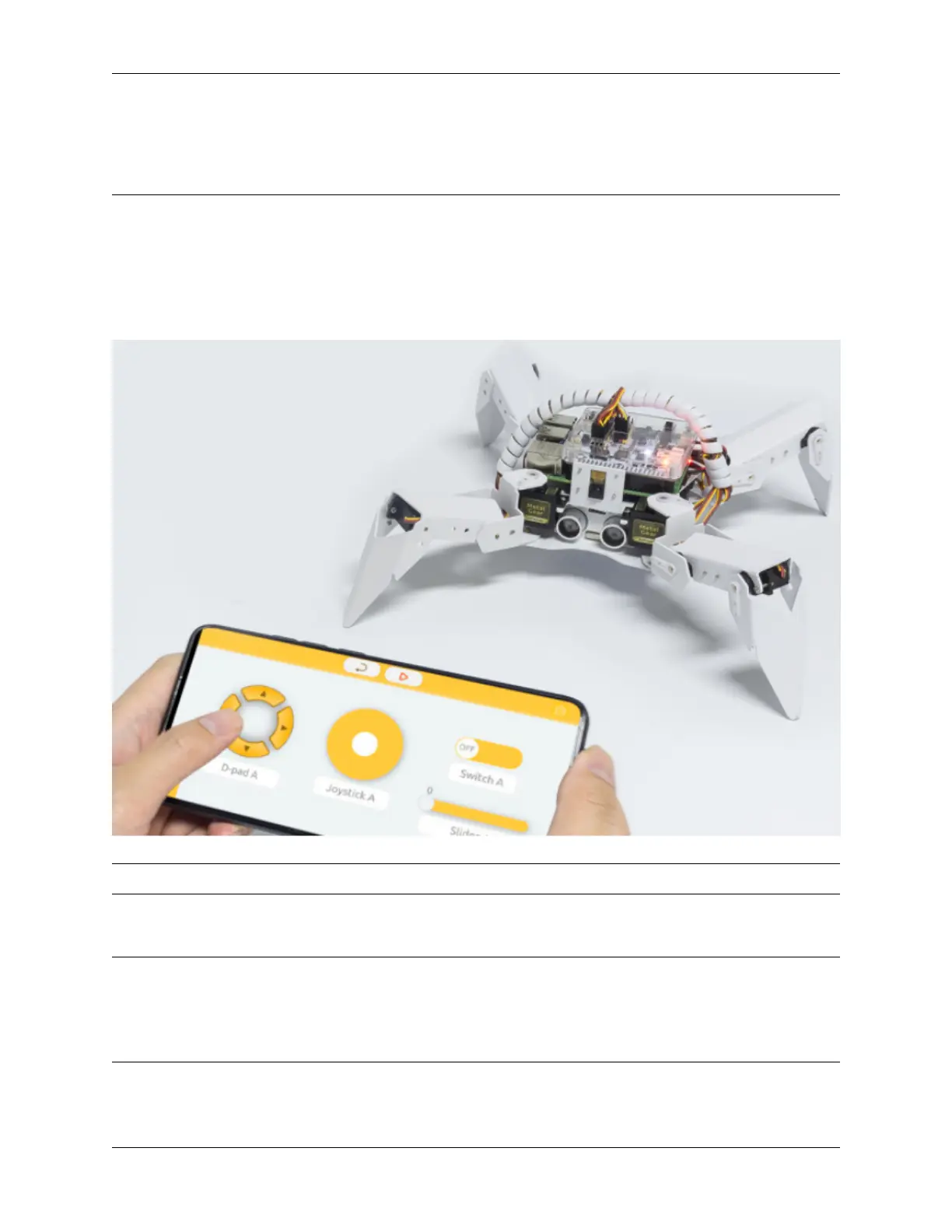
In this project, we will learn how to remote control the PiCrawler. You can control the PiCrawler to move forward,
backward, left, and right.
Note: You can refer to How to Use the Remote Control Function?. Come and carry out this project smoothly.
Program
Note:
• You can write the program according to the following picture, please refer to the tutorial: How to Create a New
Project?.
• Or find the code with the same name on the Examples page of the EzBlock Studio and click Run or Edit directly.
4.5. Remote Control 95



 To Next Page